Order Email Templates
Order confirmations, invoices and shipping updates, from checkout to the doorstep. Real emails from the SmartMailing builder, with desktop and phone previews.
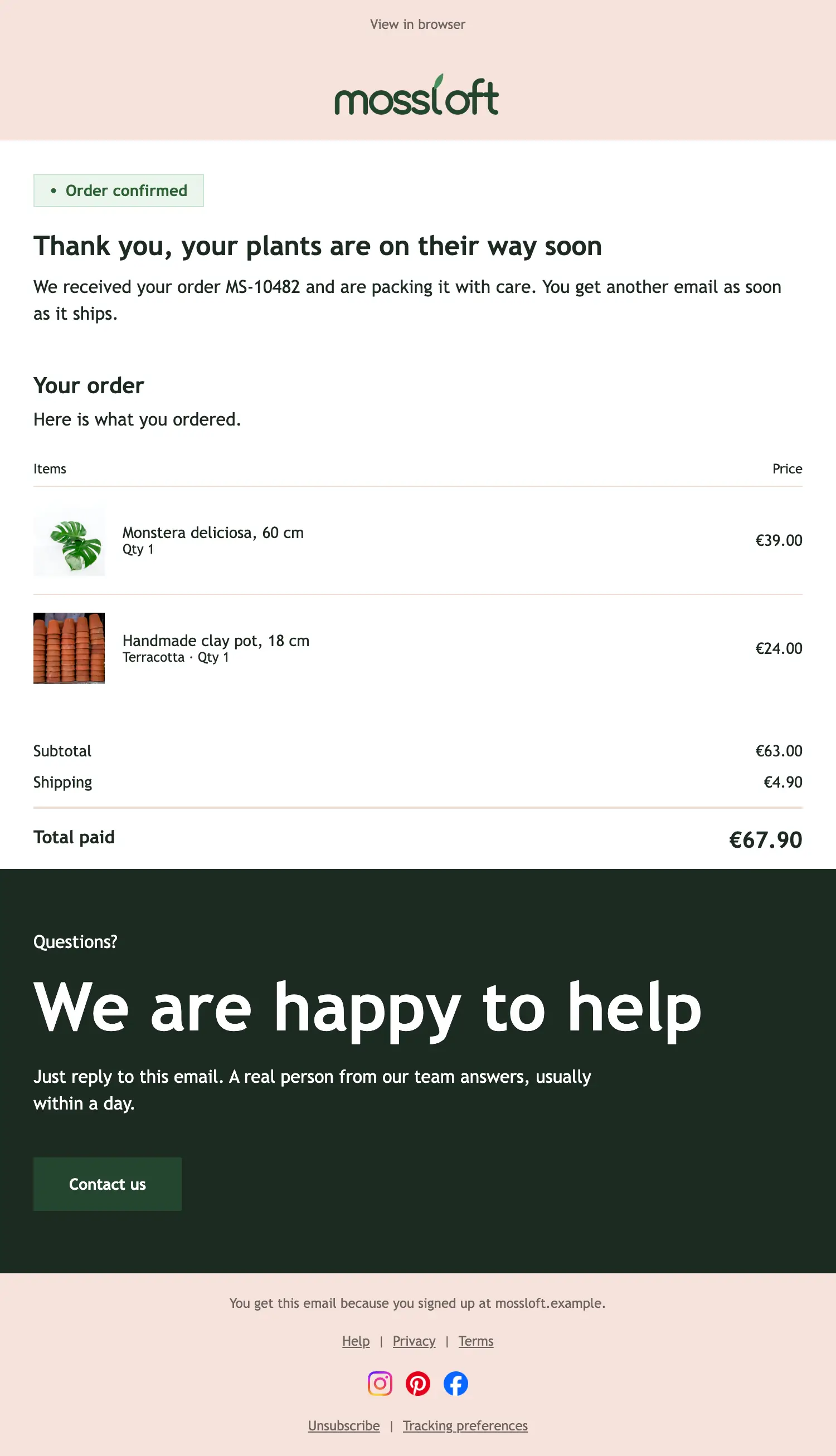
Order confirmation
Transactional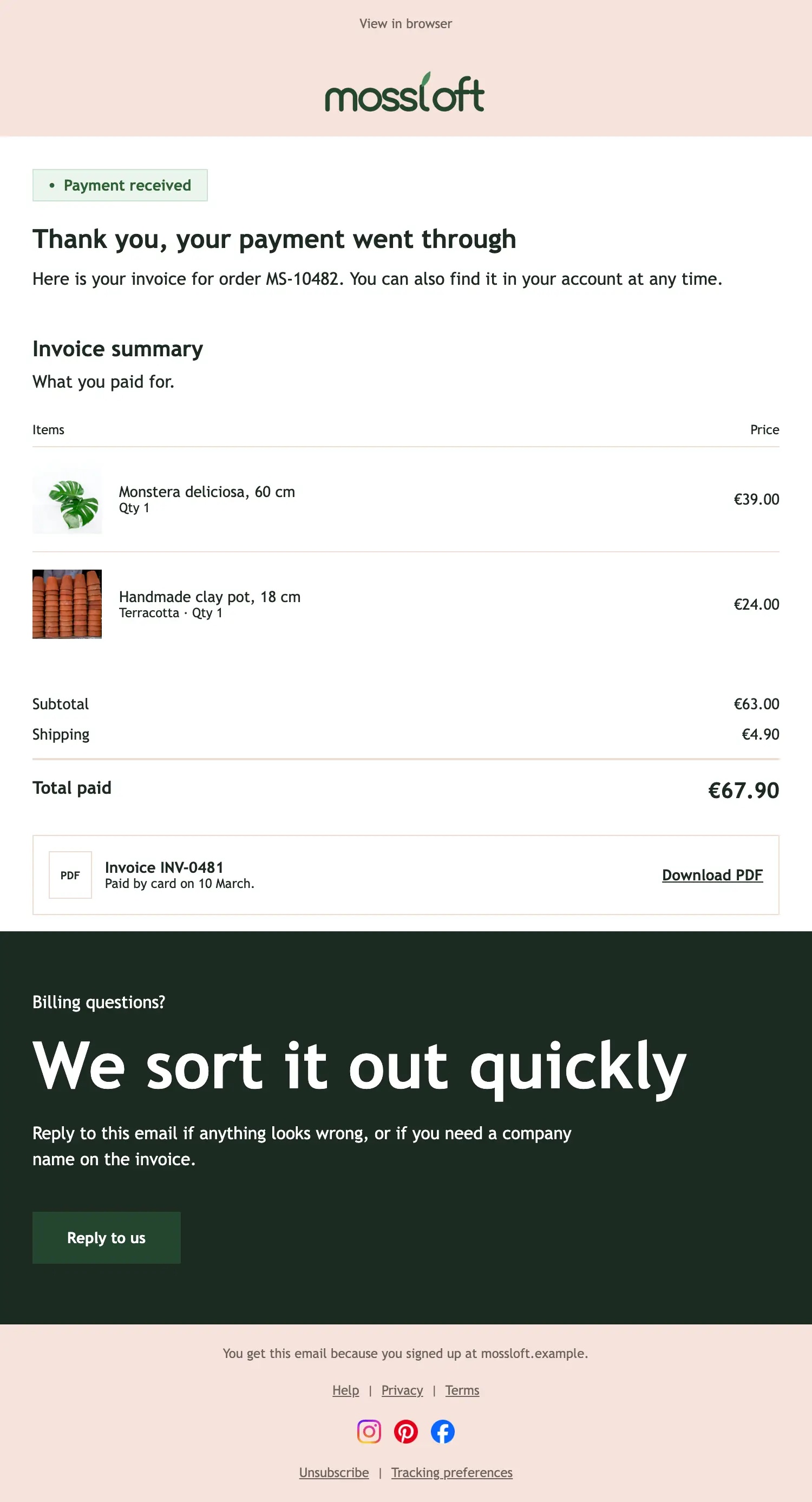
Invoice
Transactional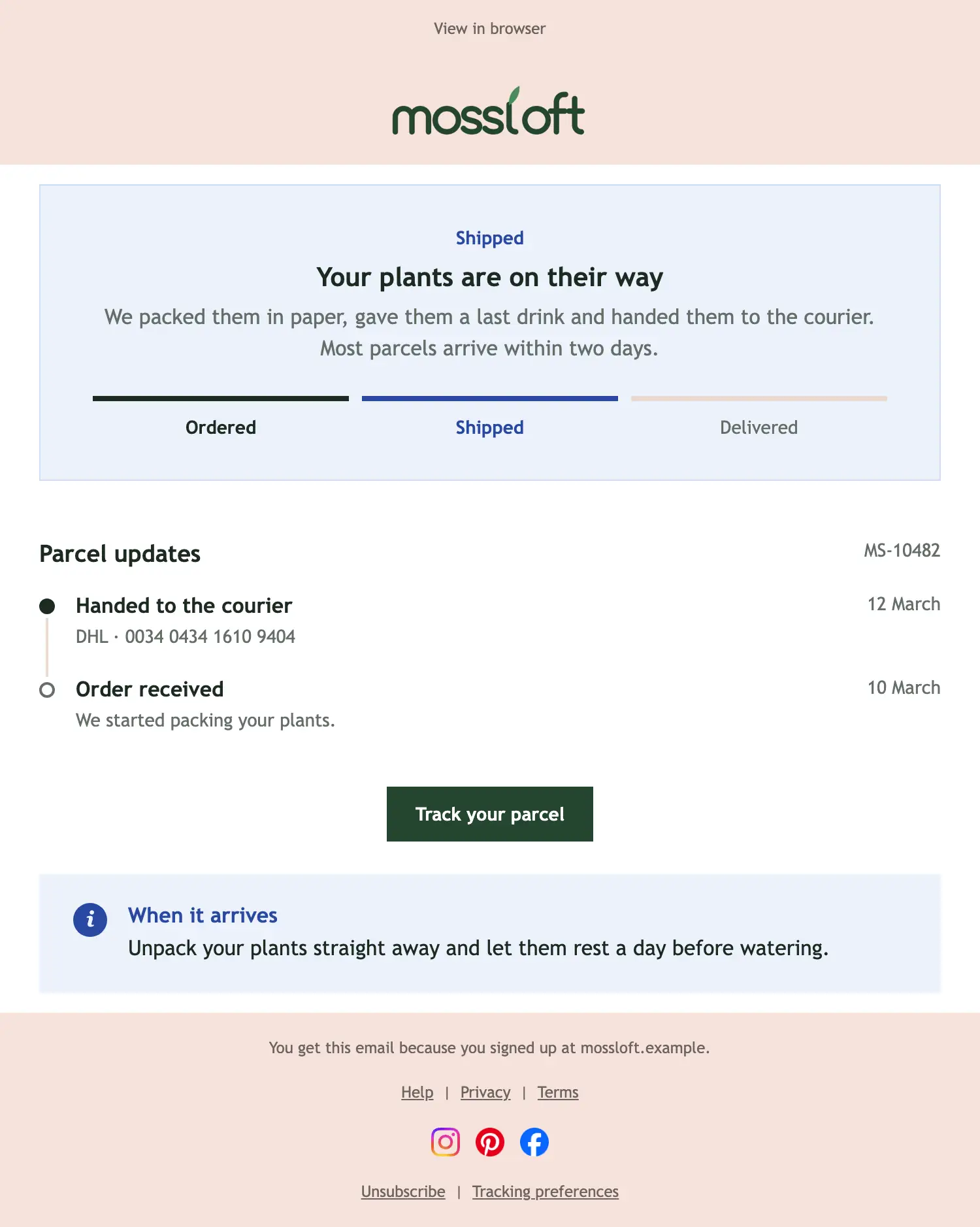
Shipped
Transactional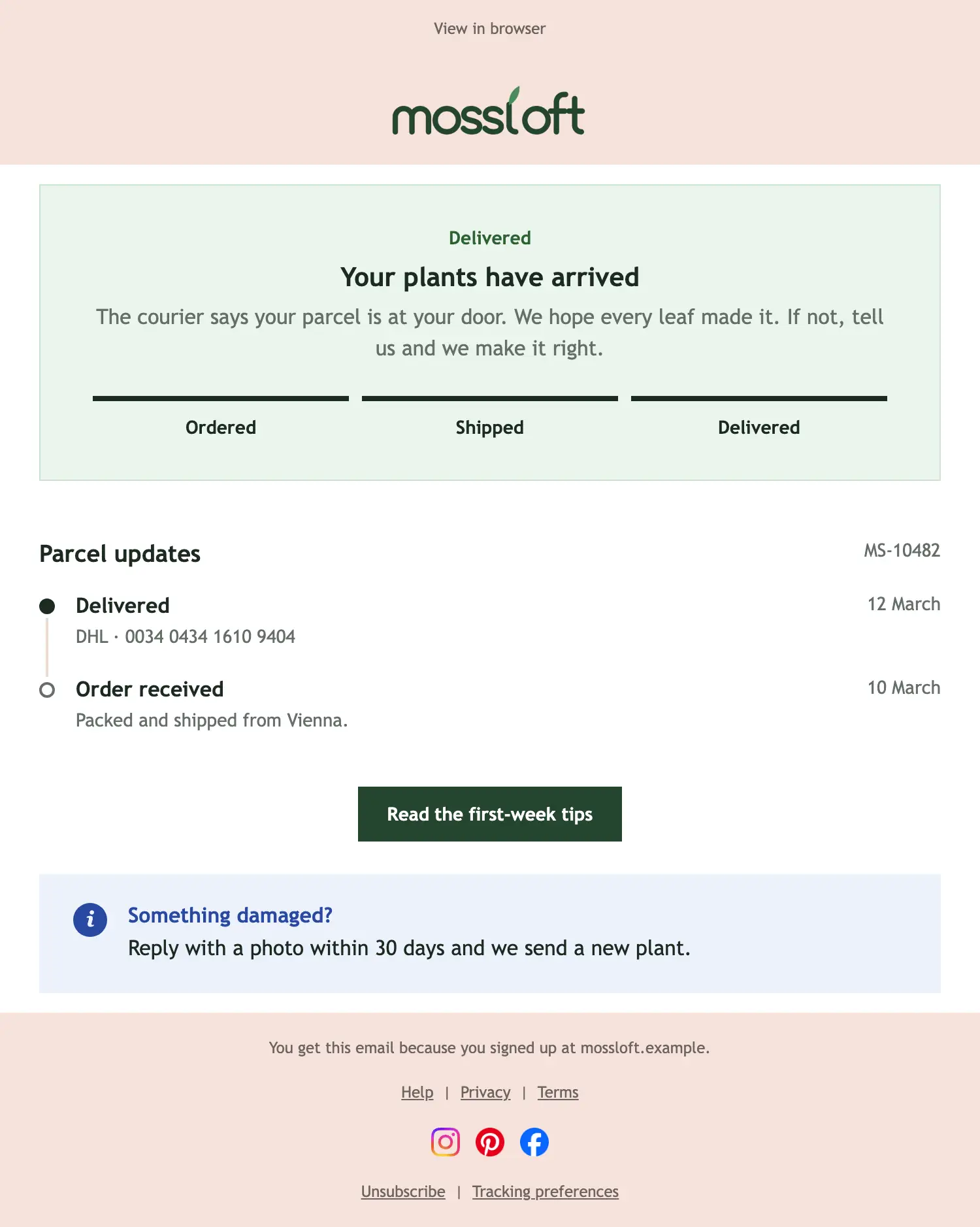
Delivered
Transactional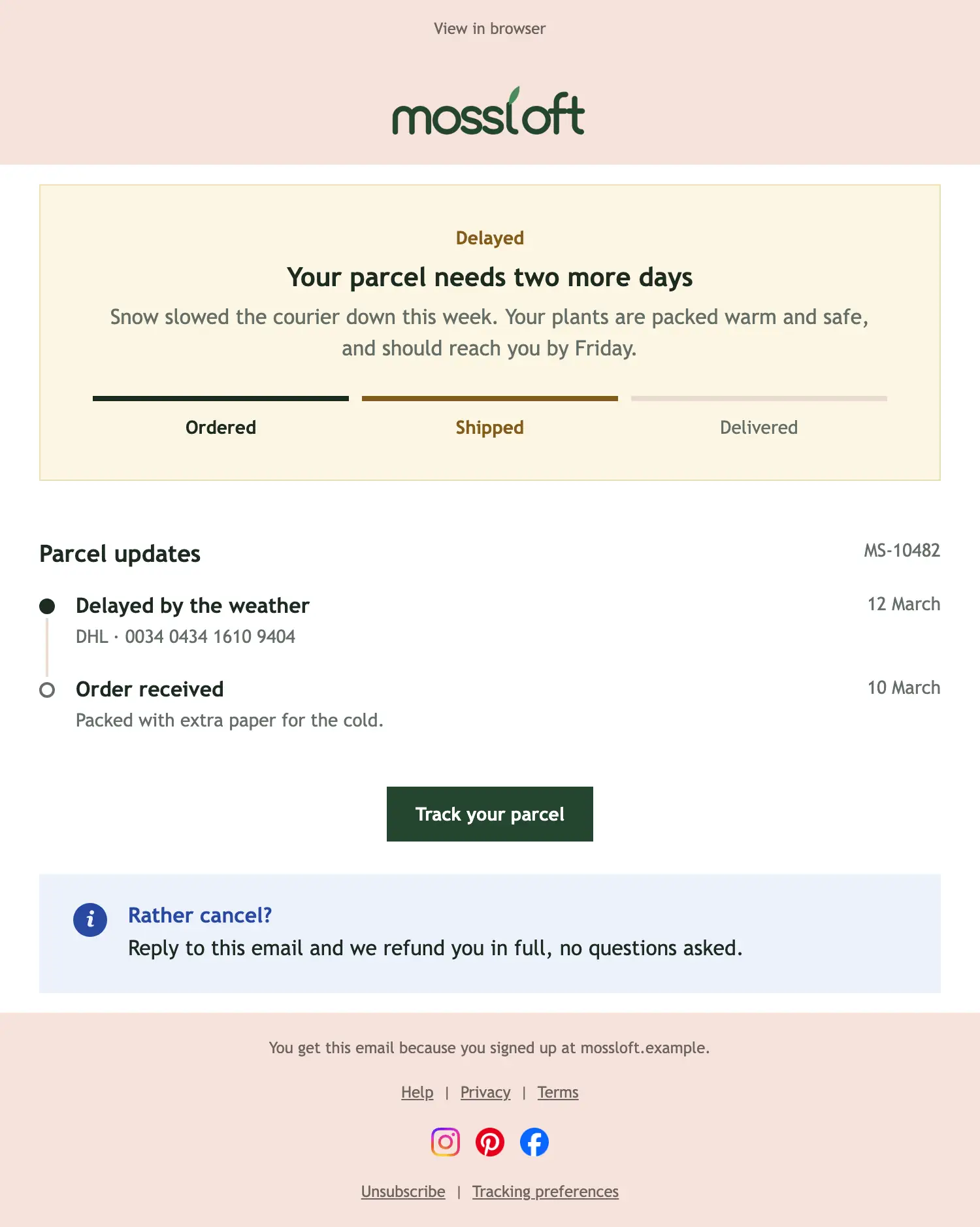
Delayed
Transactional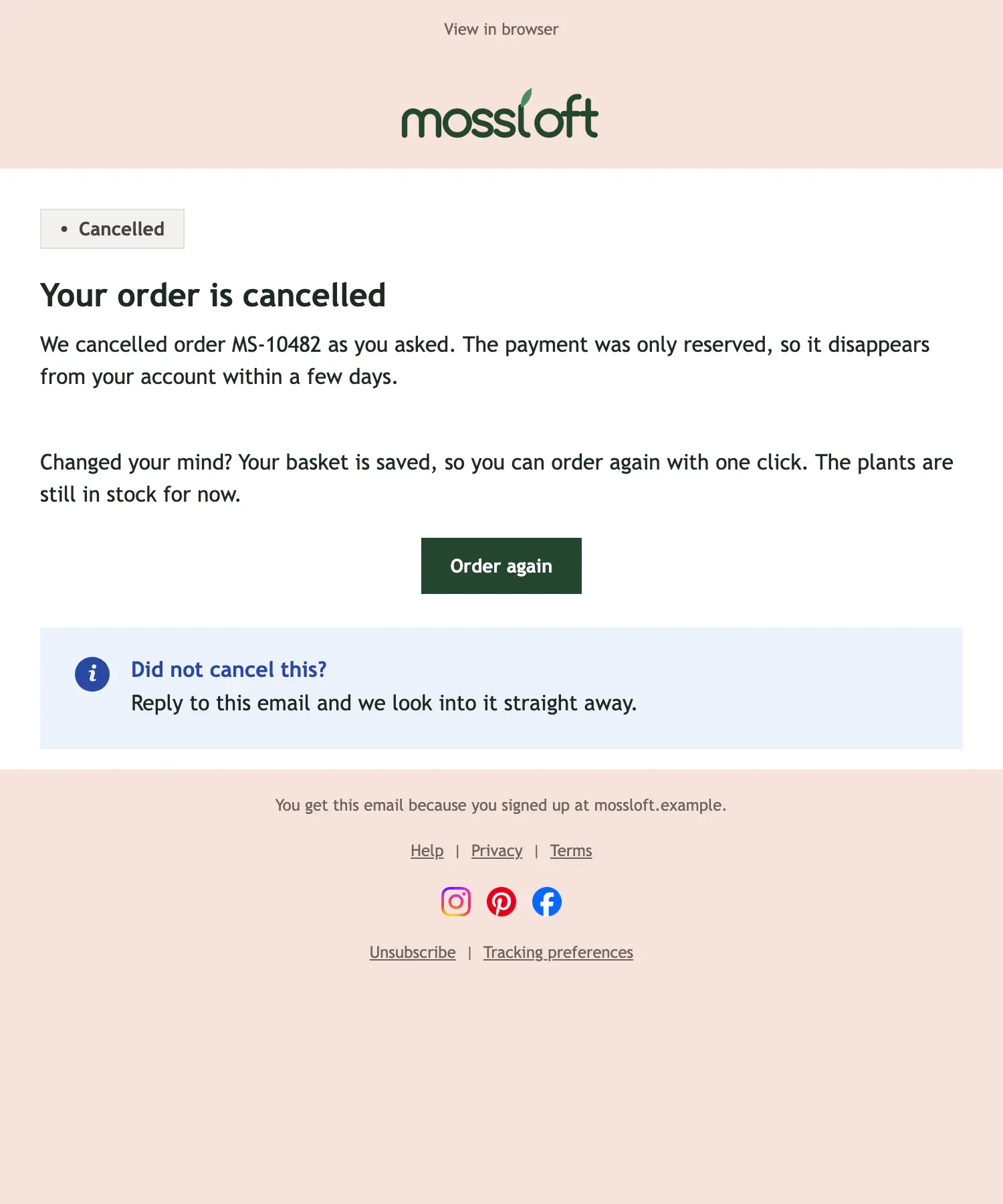
Order cancelled
Transactional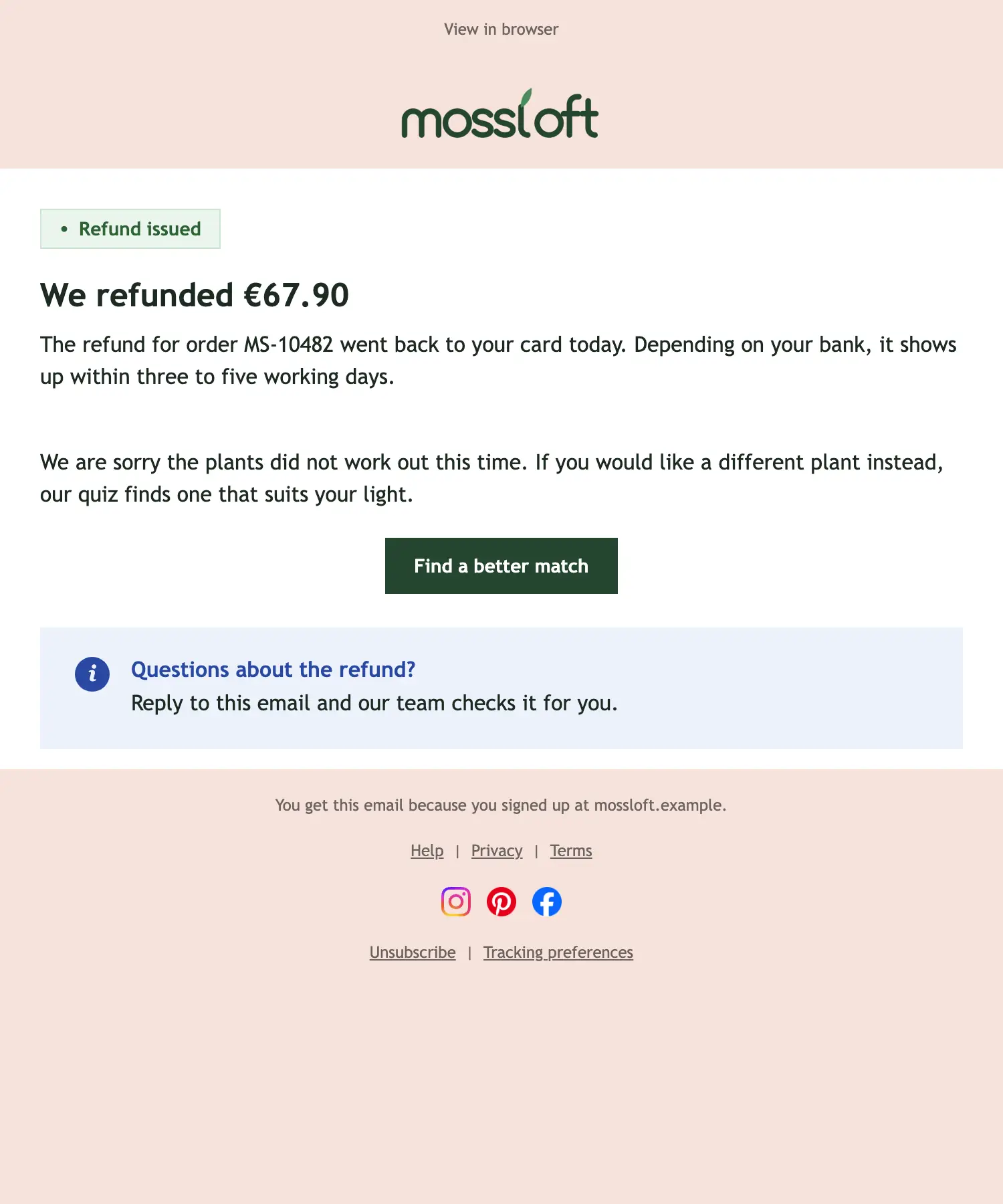
Refund issued
TransactionalWhen to send order emails
The order is placed
Confirm what was ordered, the total and what happens next.
The payment is in
Send the receipt or invoice the customer will need later.
The parcel is on its way
Share the tracking, then confirm the delivery.
Something went differently
A delay, a cancellation or a refund, explained honestly and quickly.
Tips for order emails
- Lead with the status: what happened and what the customer needs to know.
- Show the order number and the items clearly; customers look for them later.
- Send each email the moment it happens, not in a batch.
- Keep offers small or leave them out; these emails are there to inform.
- Tell the customer how to reach a person, ideally by replying to the email.
Your turn
Generate your own Orders and shipping email.
Each example shows the layout with sample text. In a demo, SmartMailing writes one for your brand in seconds.
Book a demo