Reservation Email Templates
Booking confirmations, appointment reminders and pickup notices. Real emails from the SmartMailing builder, with desktop and phone previews.
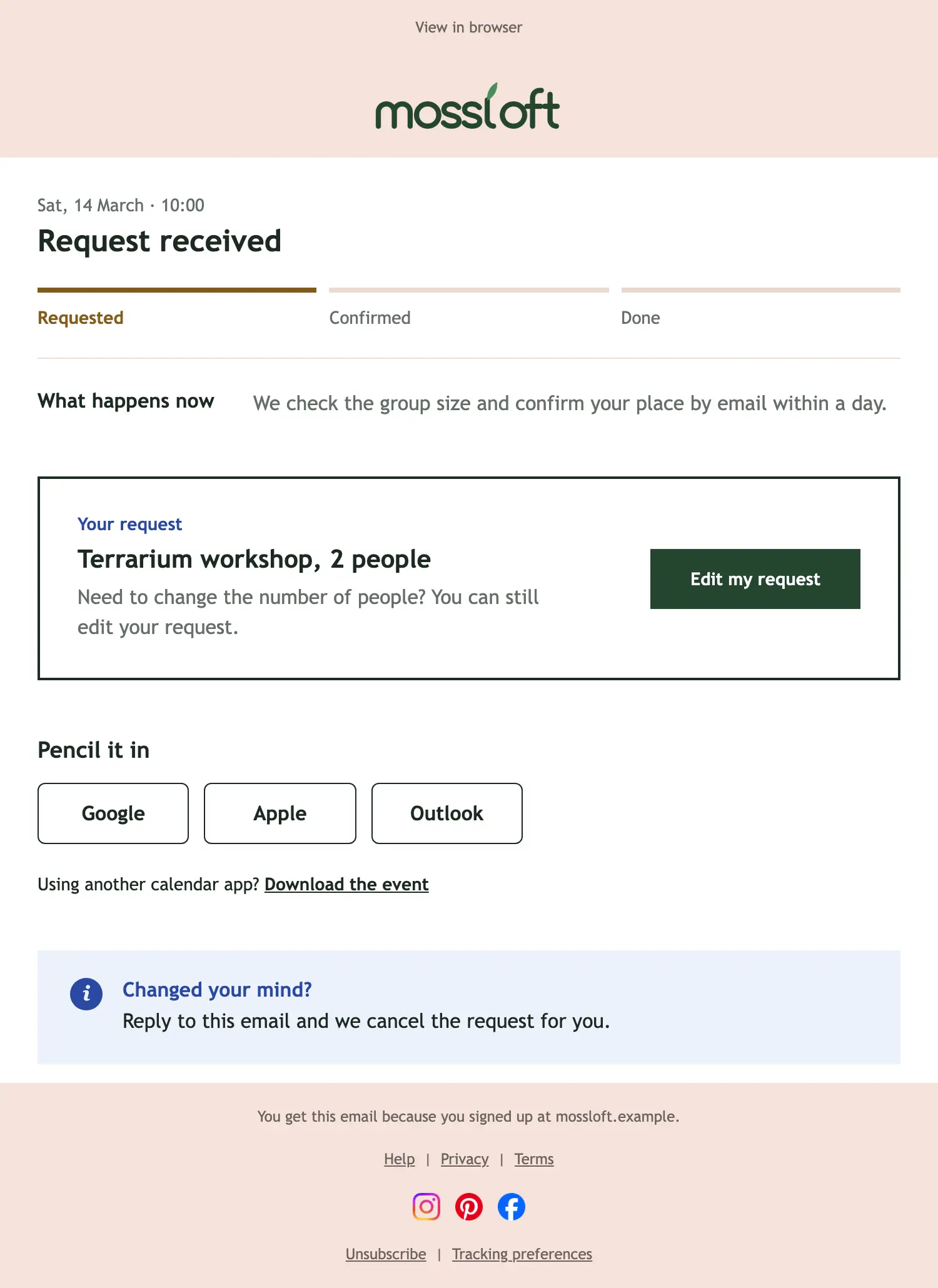
Reservation received
Transactional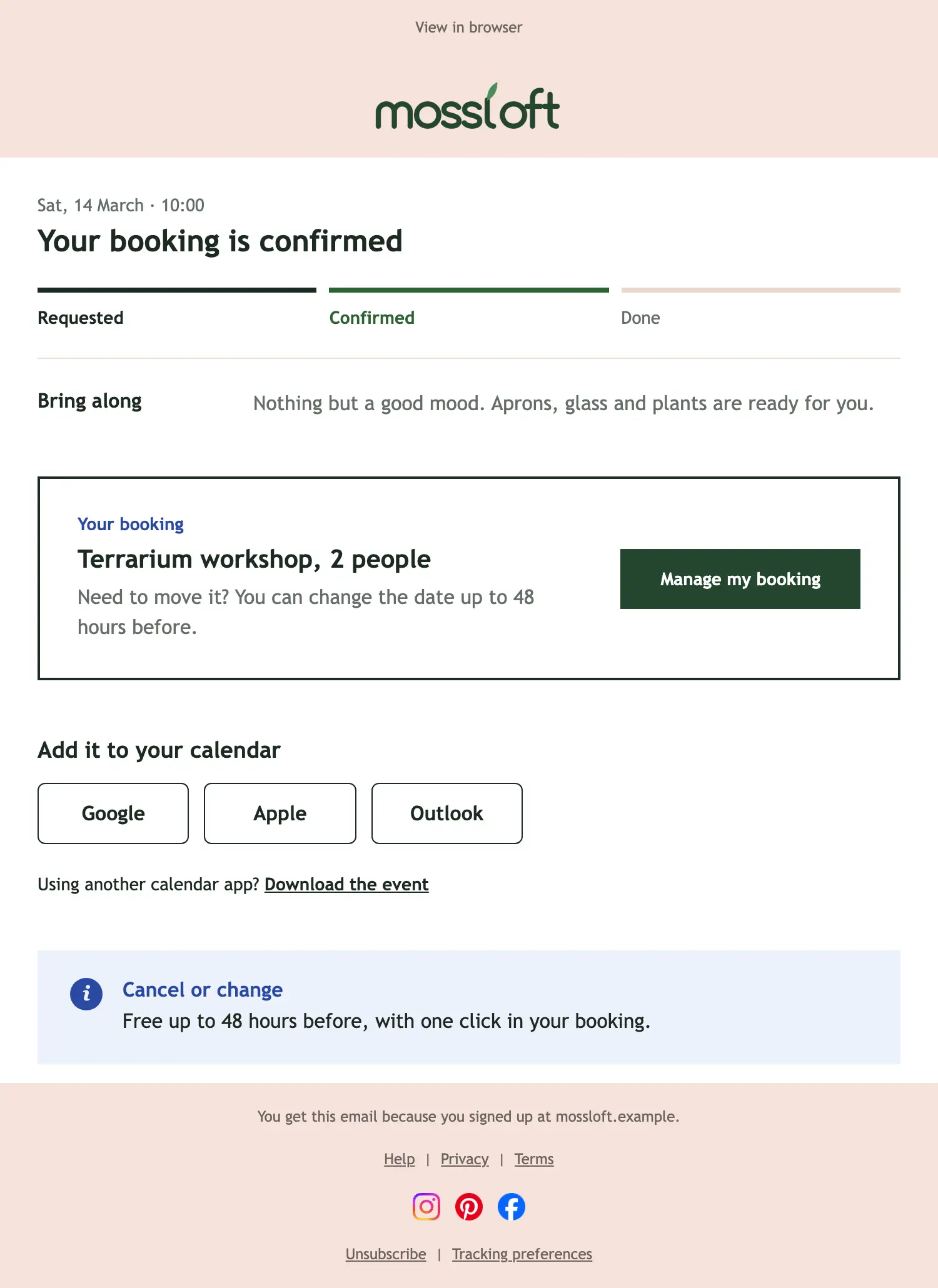
Reservation confirmed
Transactional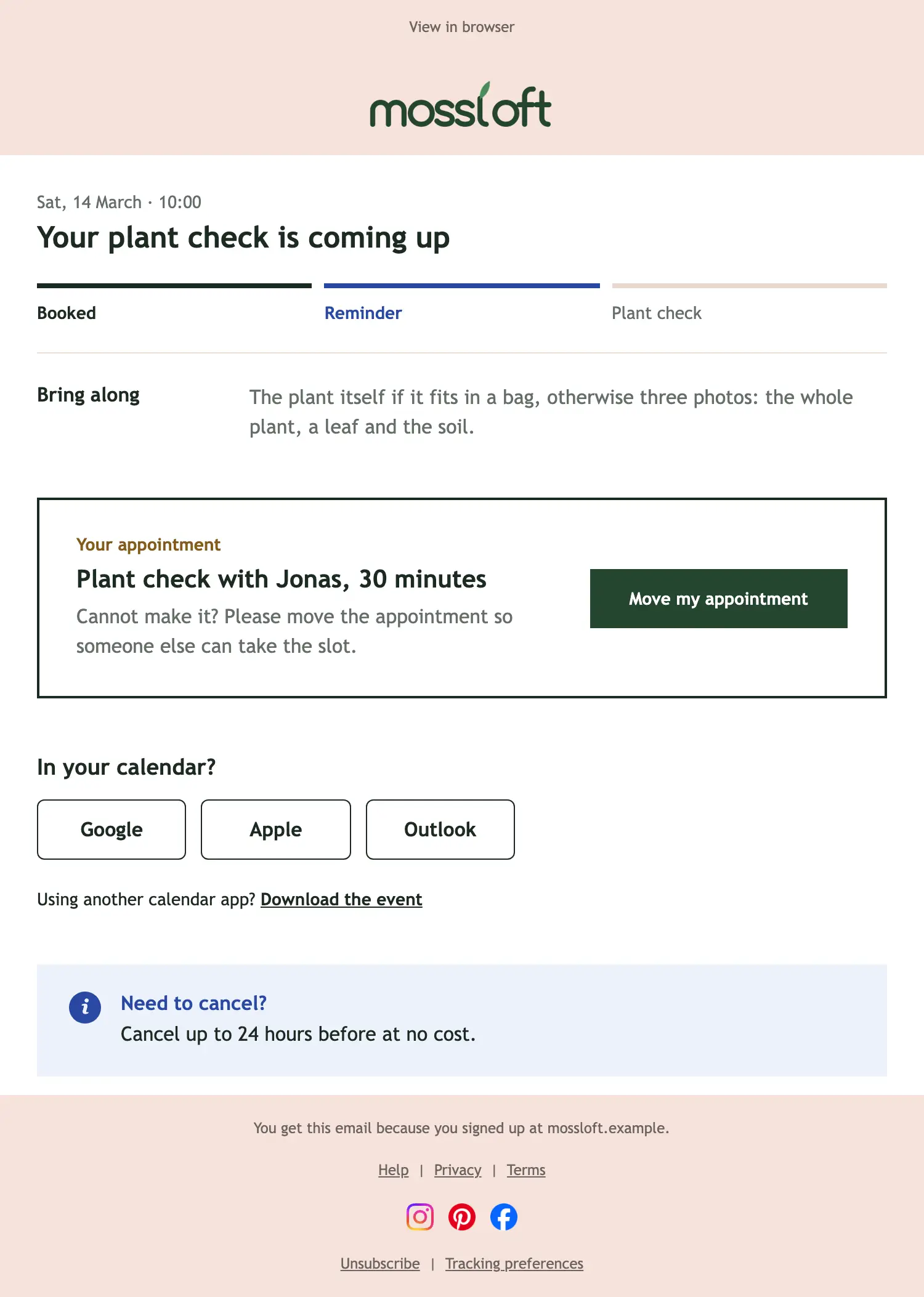
Appointment reminder
Transactional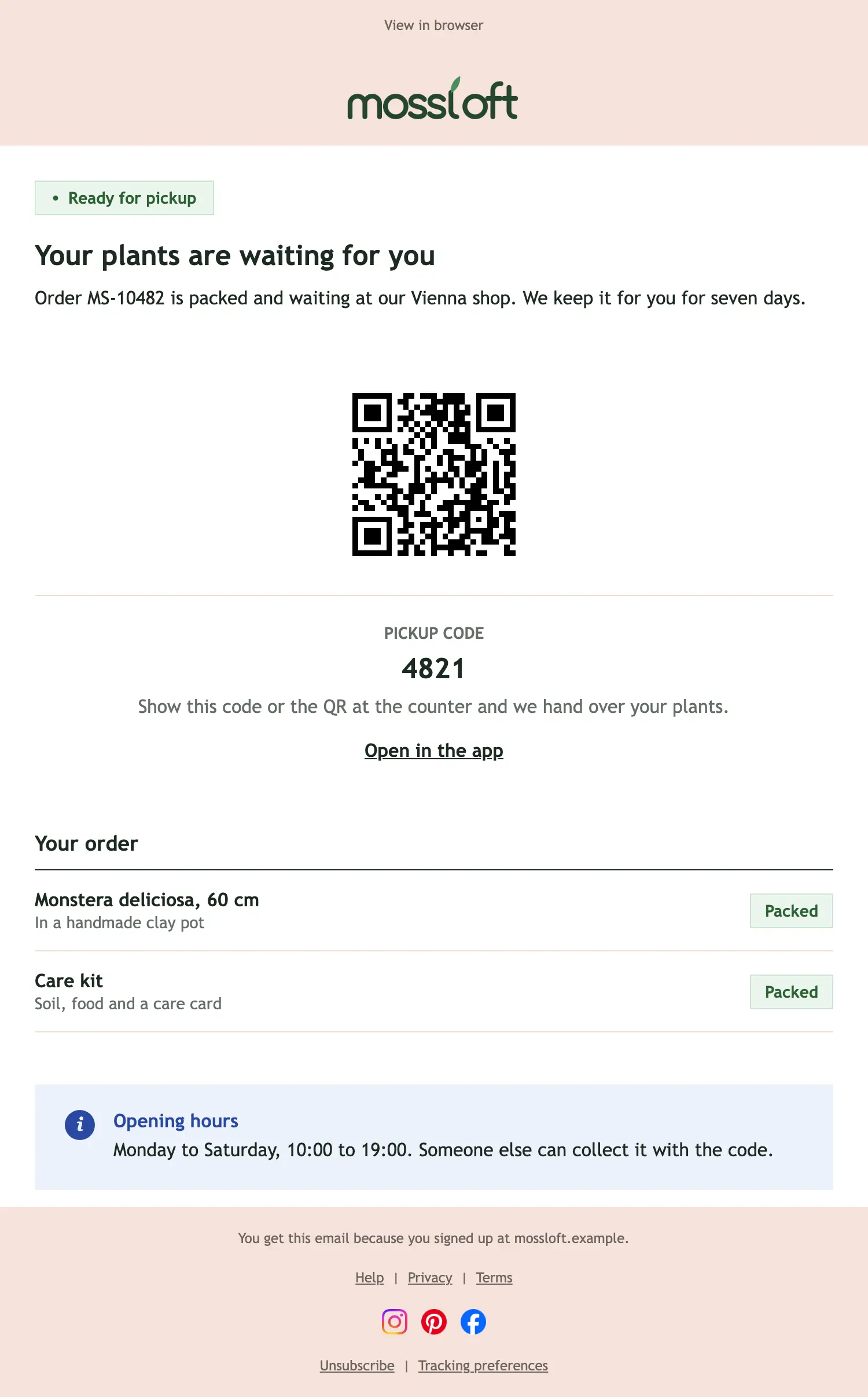
Ready for pickup
Transactional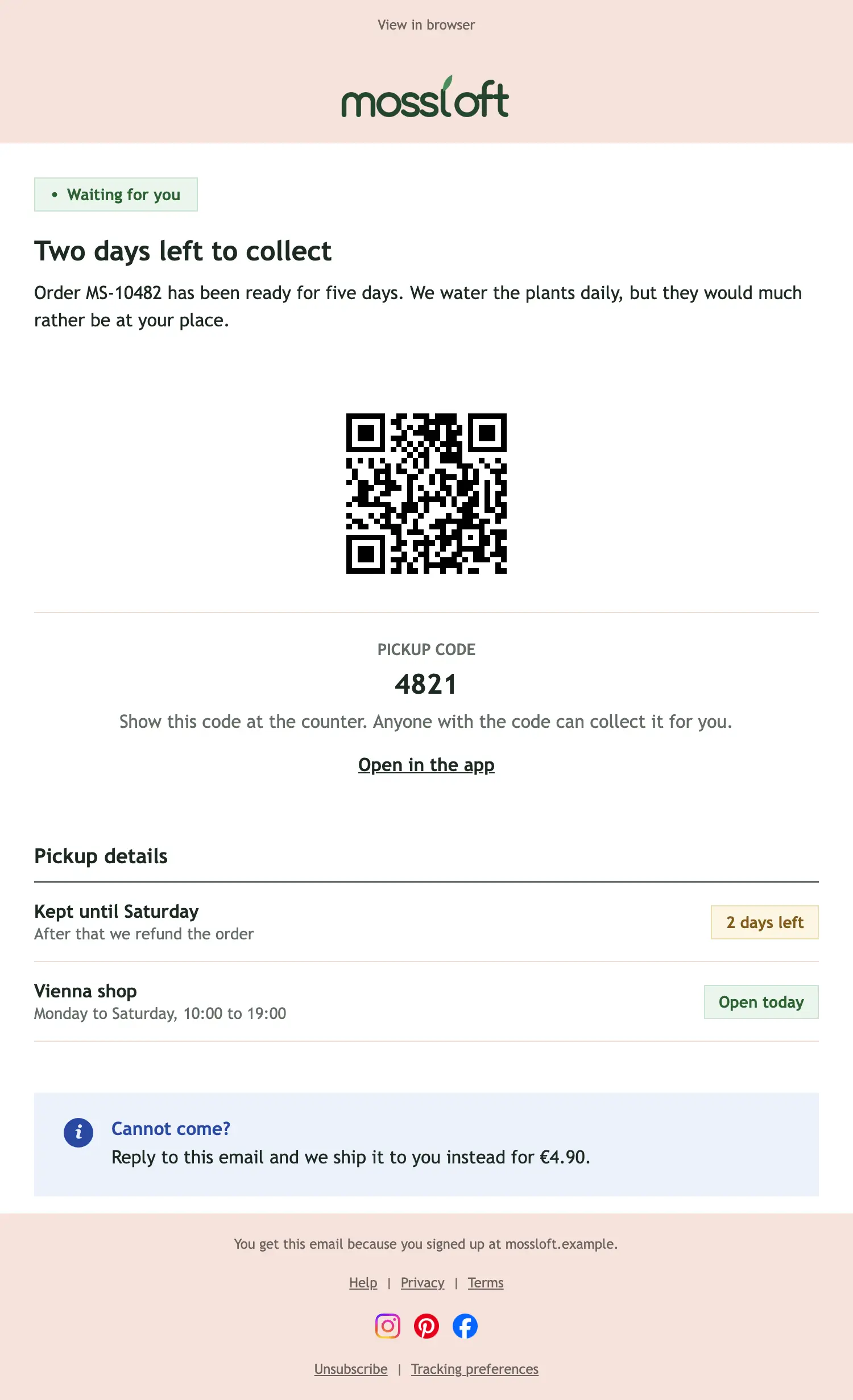
Pickup reminder
TransactionalWhen to send reservation emails
A booking request arrives
Confirm you got it and say when you will answer.
The booking is confirmed
Repeat the details and the rules for changes.
The appointment is coming up
Remind people a day or two before, with a way to move it.
The order is ready to collect
Give the pickup code, the opening hours and the address.
Tips for reservation emails
- Put the date, time and place where nobody can miss them.
- Add calendar buttons to every confirmation.
- State the cancellation rules in plain words.
- Make changing a booking easy; a moved booking is better than a no-show.
- For pickups, show the code large enough to read at the counter.
Your turn
Generate your own Reservations and pickup email.
Each example shows the layout with sample text. In a demo, SmartMailing writes one for your brand in seconds.
Book a demo