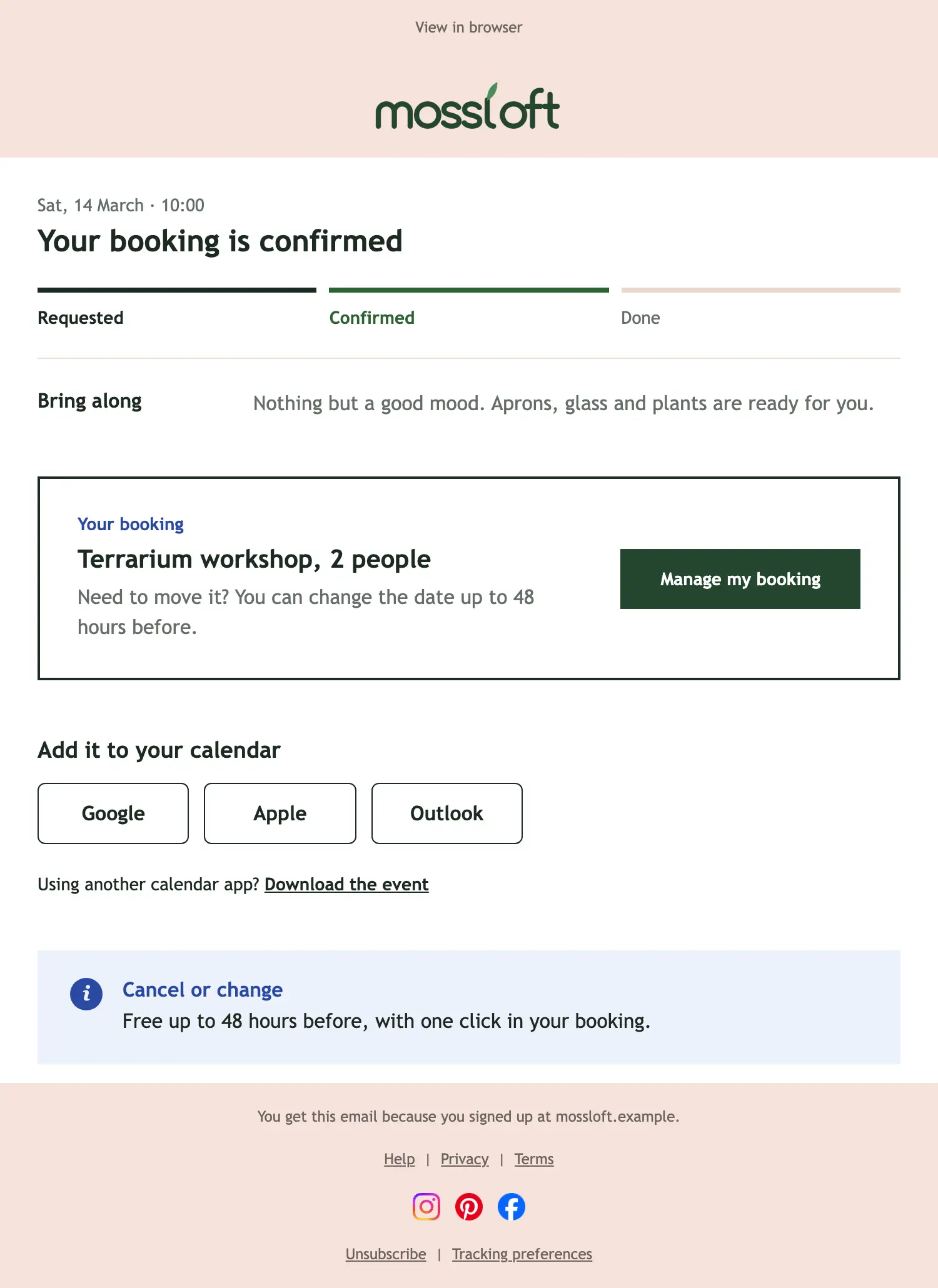
Desktop view
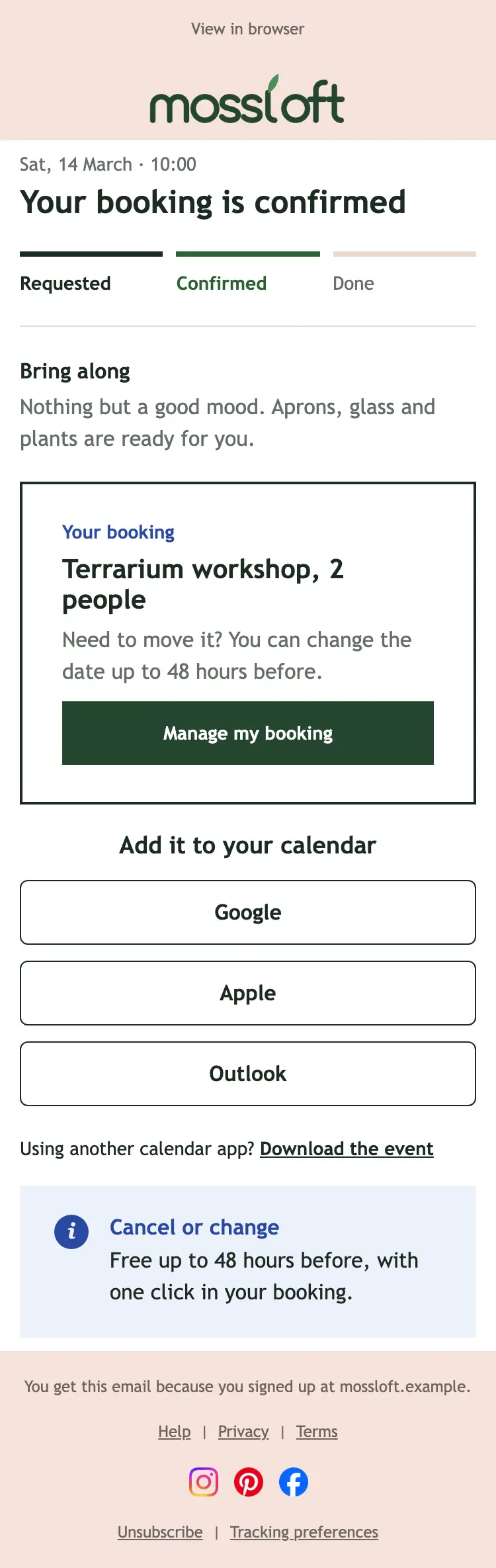
Mobile view
Scroll inside the frames to see the full email.
About this Reservation confirmed email template
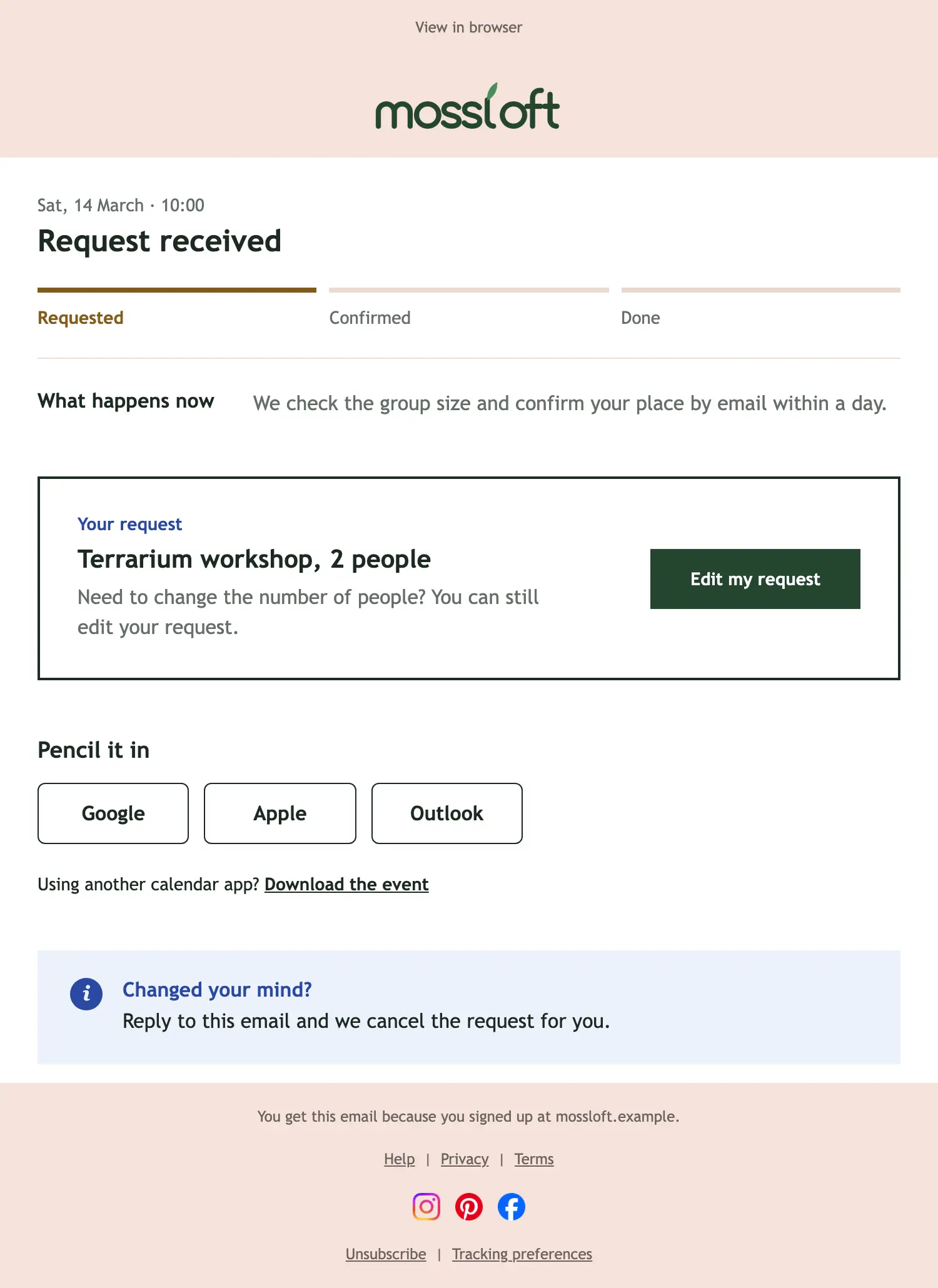
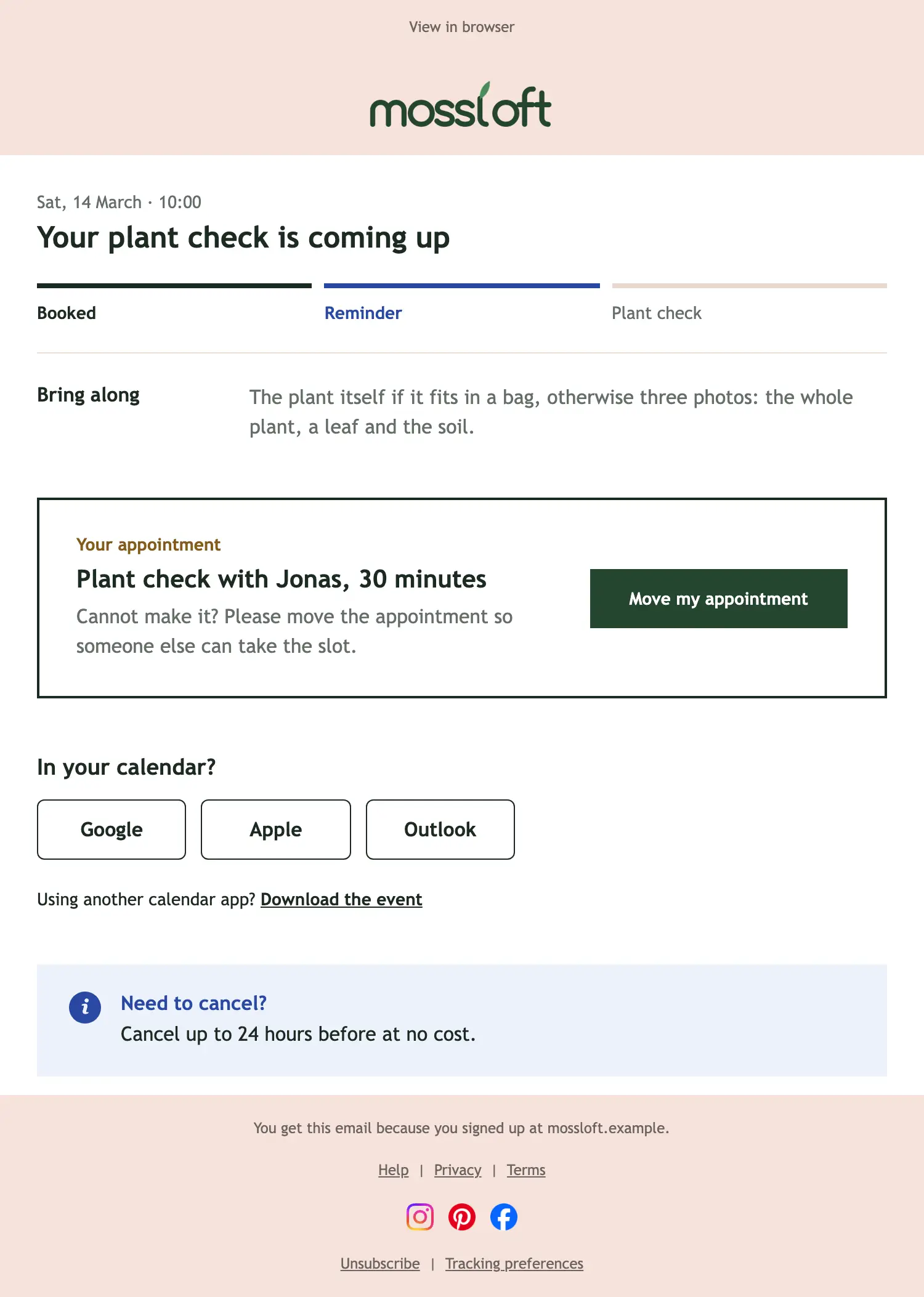
Confirm a booking. The progress bar moves to confirmed, a box repeats what was booked with a button to manage it, calendar buttons put it in the guest’s calendar, and a note sets out the cancellation rules. The date is filled in for each guest when it is sent. State the cancellation deadline in plain words; it saves questions later.
What is in this email
- 01
Progress steps
Your booking is confirmed: Requested · Confirmed · Done
- 02
Action needed
Terrarium workshop, 2 people: Manage my booking
- 03
Add to calendar
Add it to your calendar
- 04
Info note
Cancel or change: Free up to 48 hours before, with one click in your booking.
Subject line and preheader
Subject
Confirmed: your terrarium workshop
Preheader
Two places are yours. Here is what to know before you come.