Welcome Email Templates
Make a great first impression with your new subscribers. Real emails from the SmartMailing builder, with desktop and phone previews.
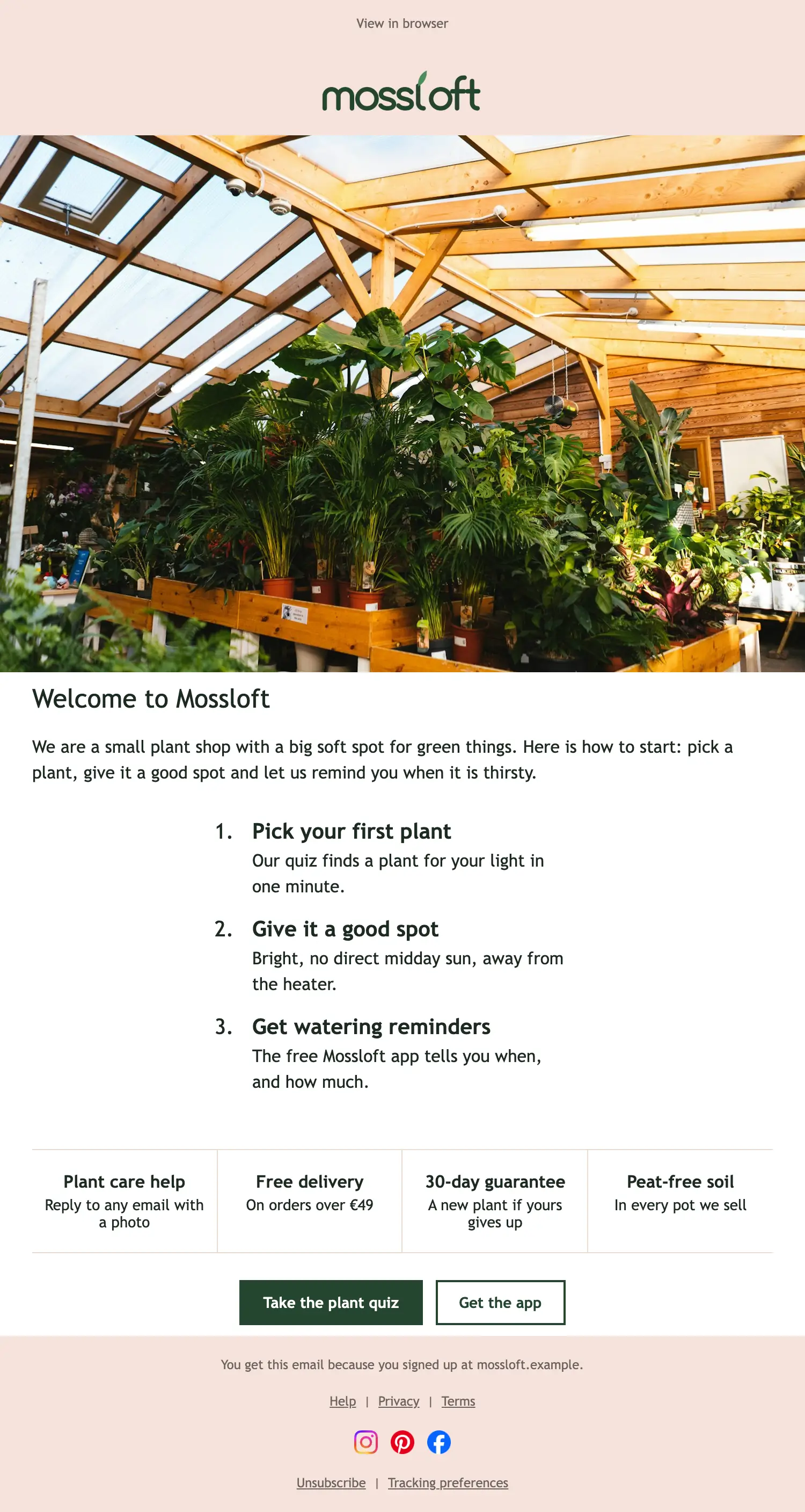
New user welcome
Campaign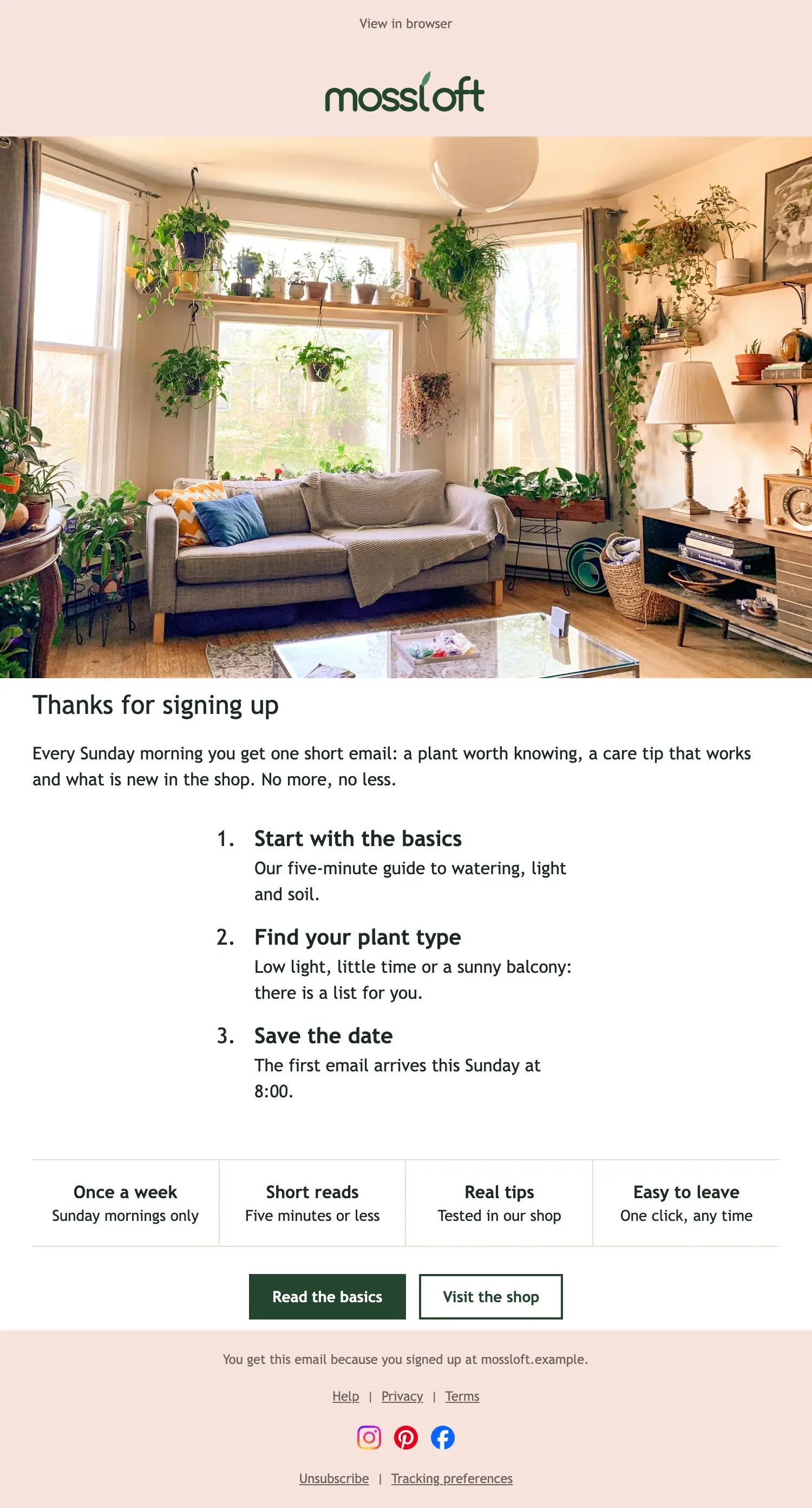
Newsletter sign-up welcome
Campaign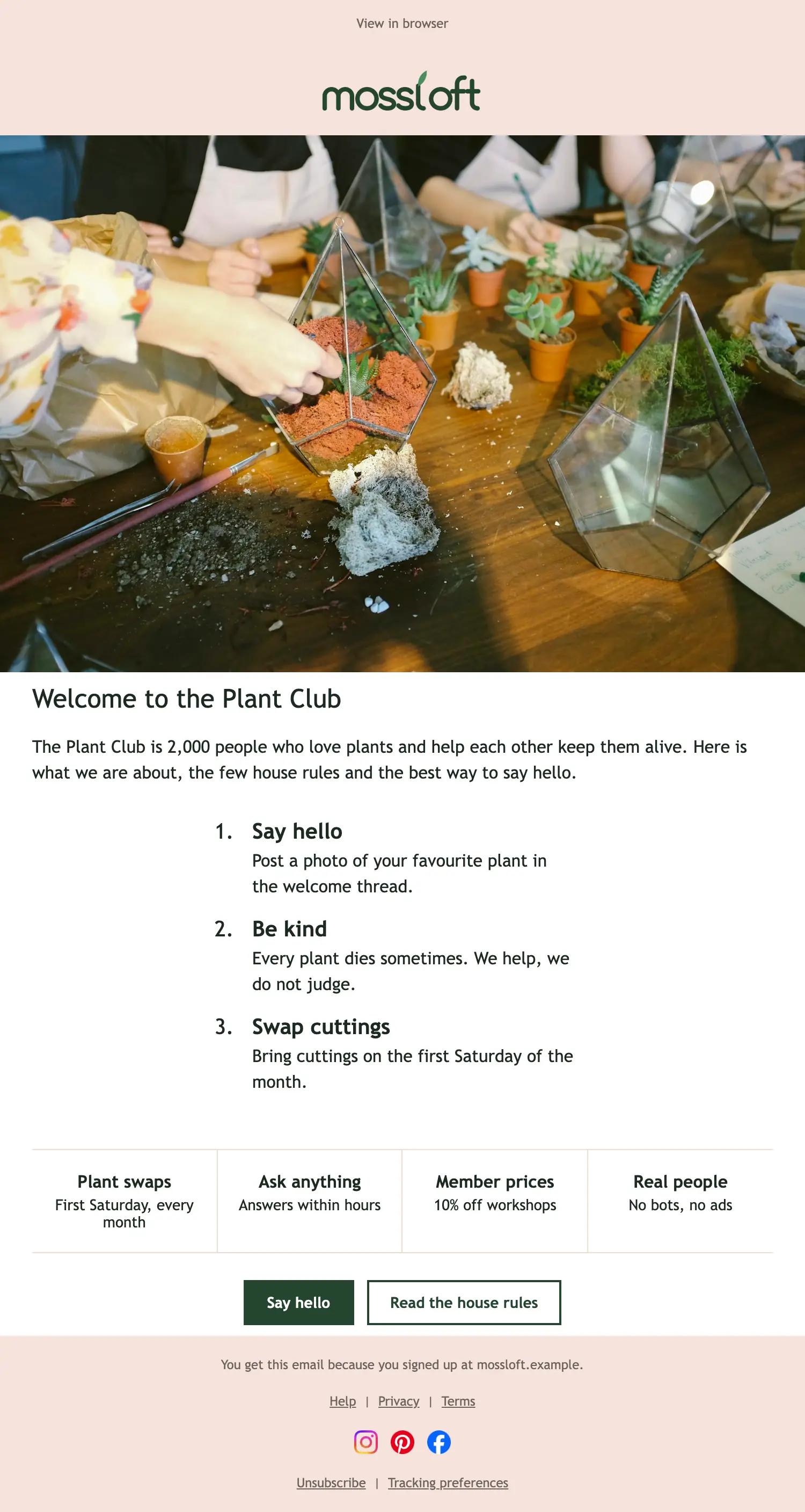
Community welcome
Campaign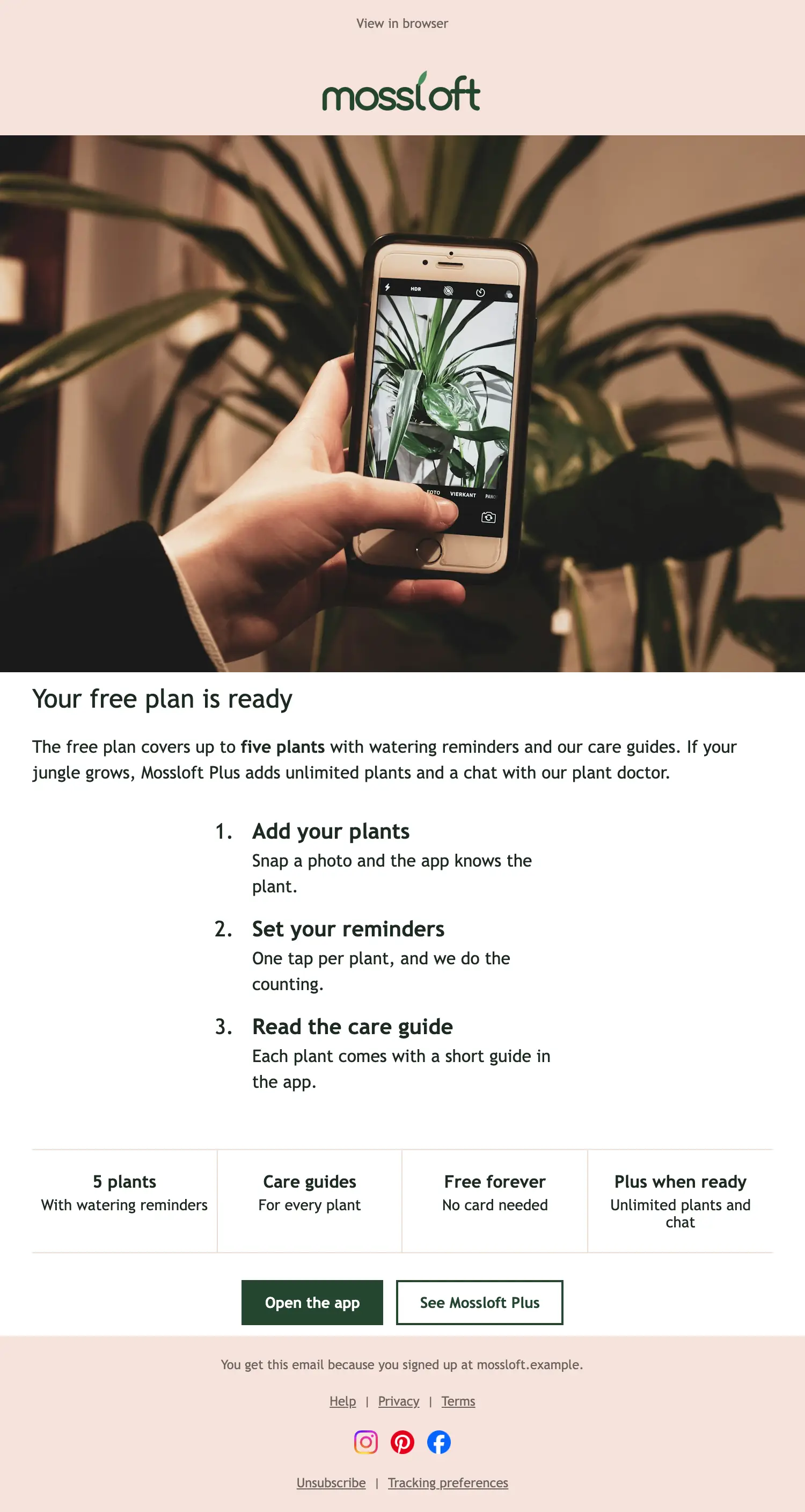
Free plan welcome
Campaign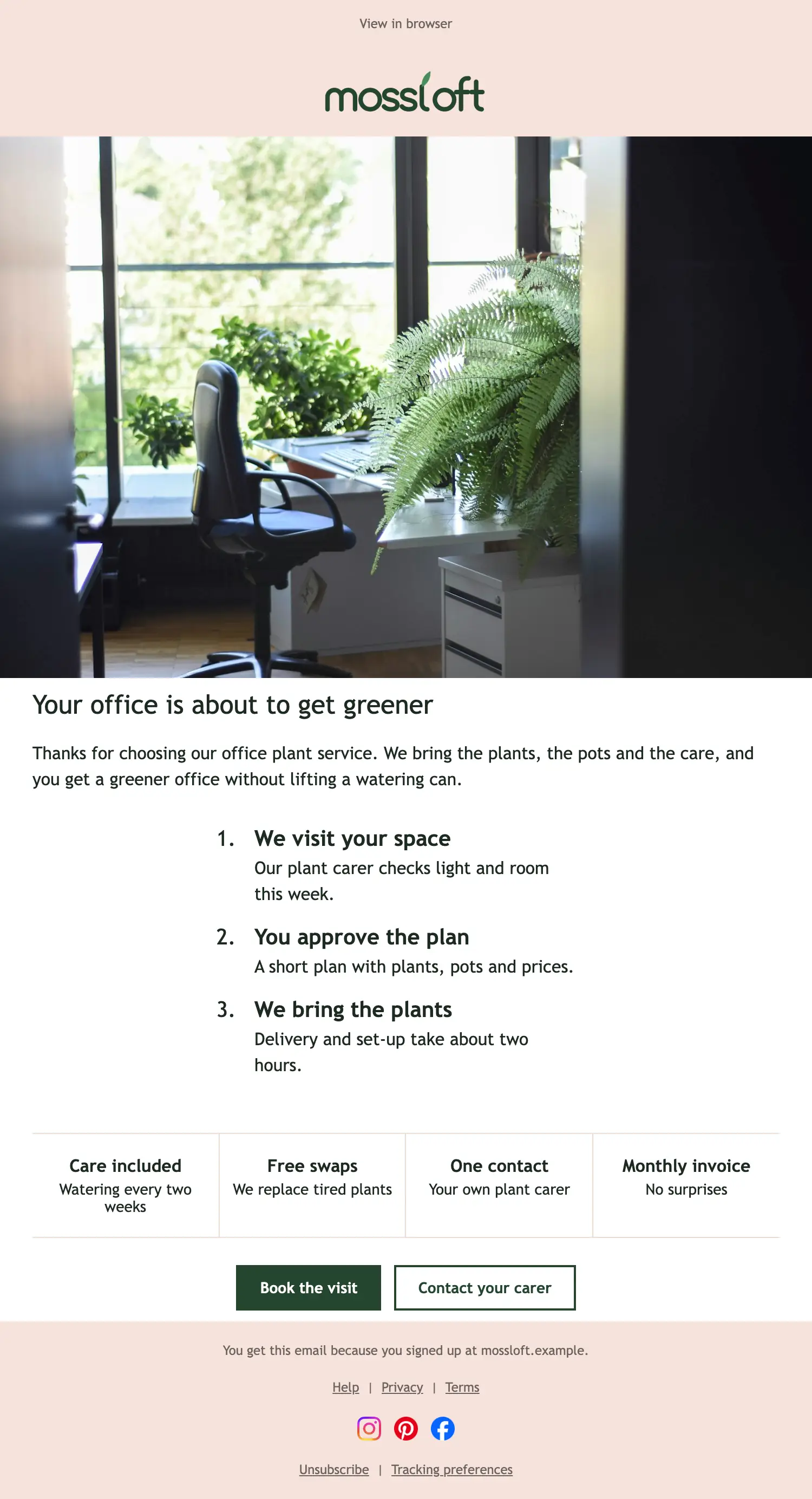
Service welcome
Campaign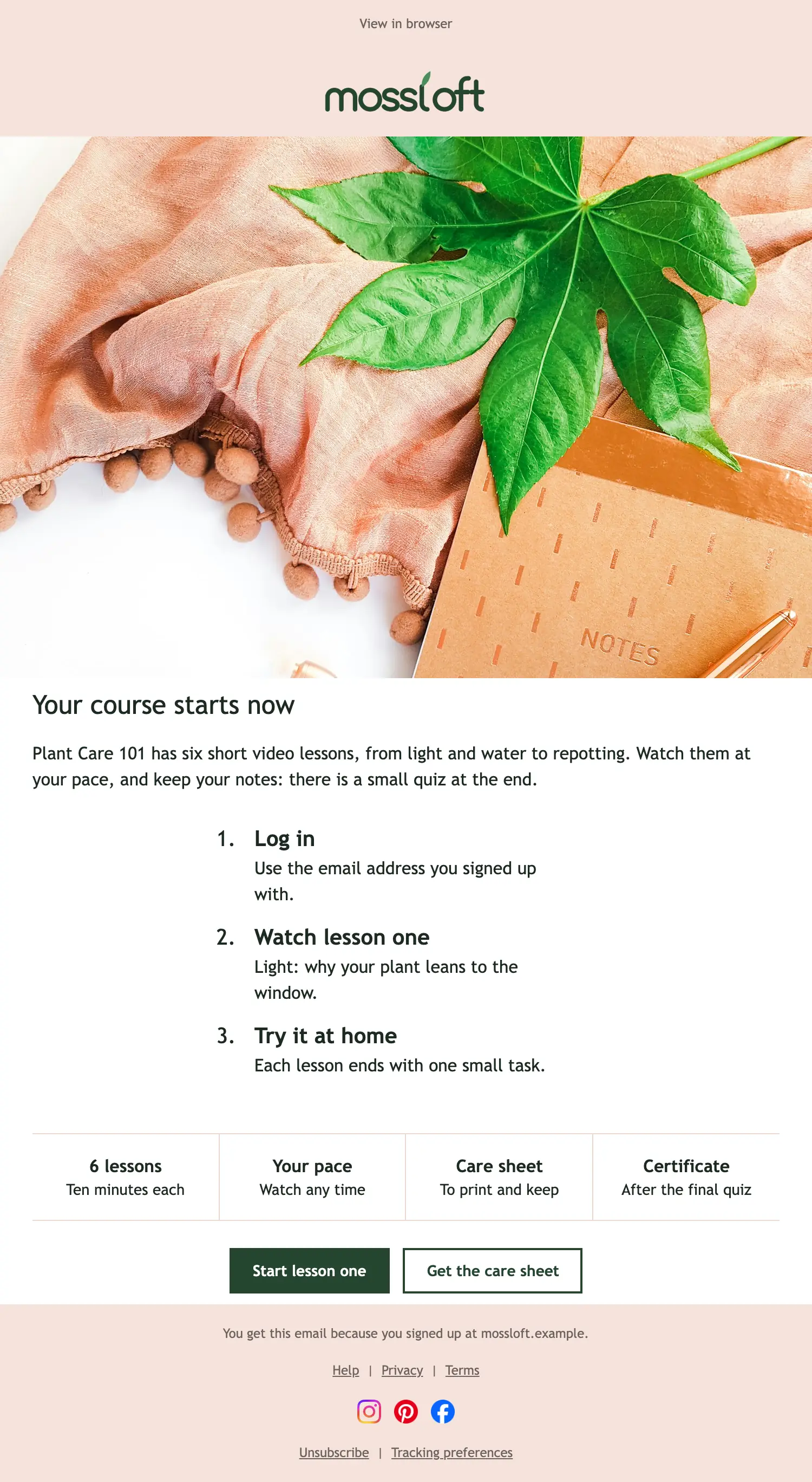
Course welcome
Campaign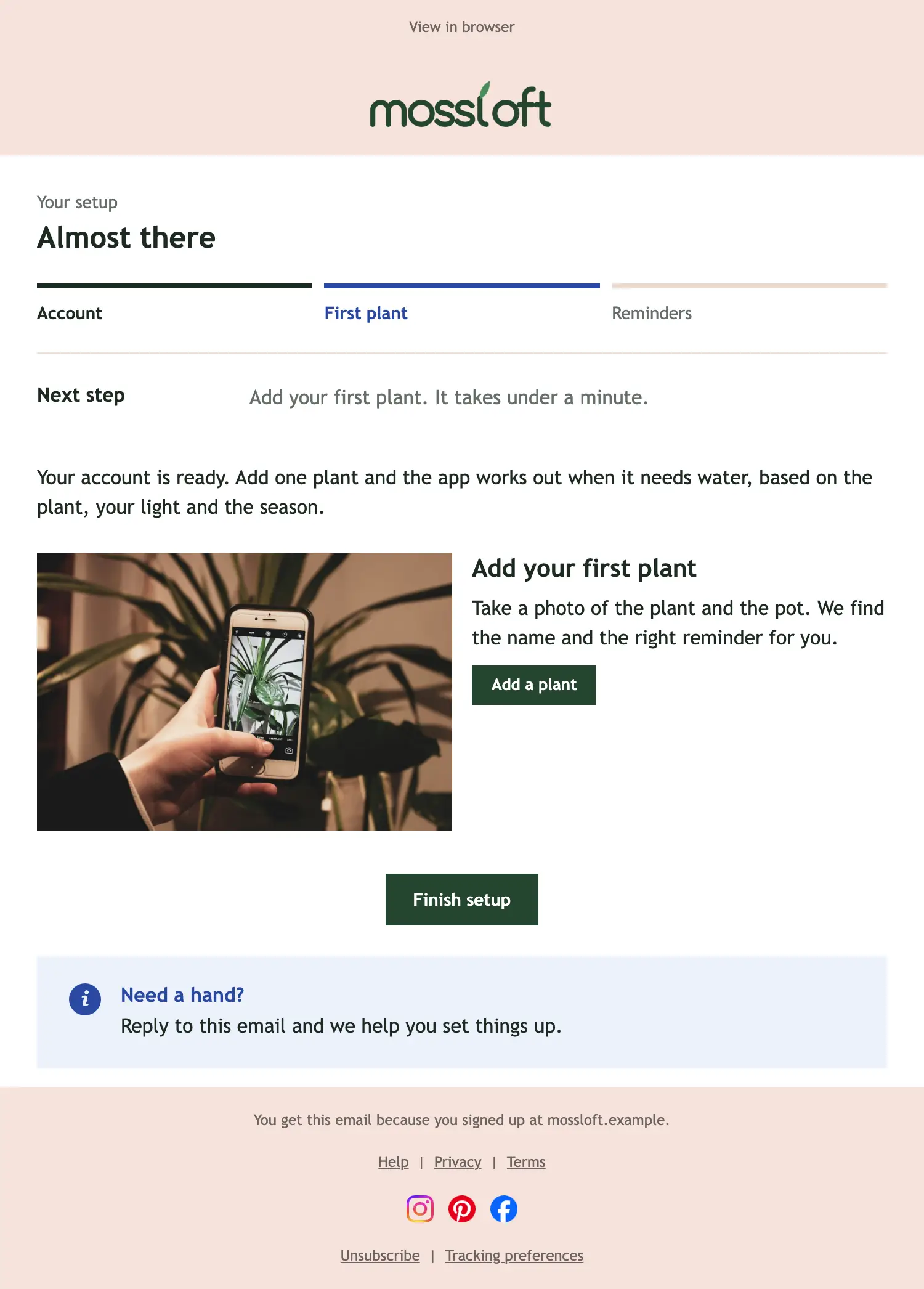
Finish your setup
Campaign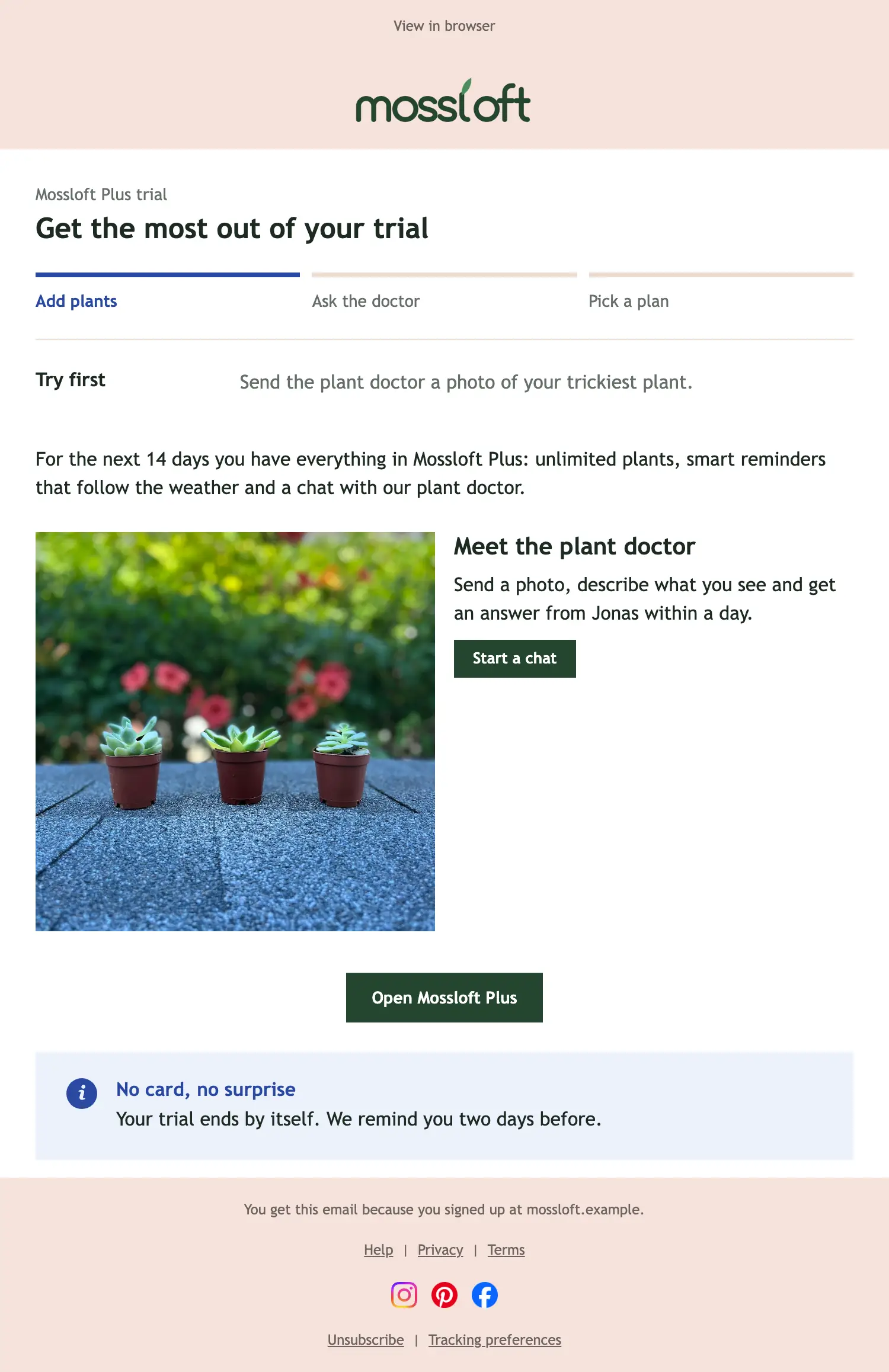
Trial welcome
Campaign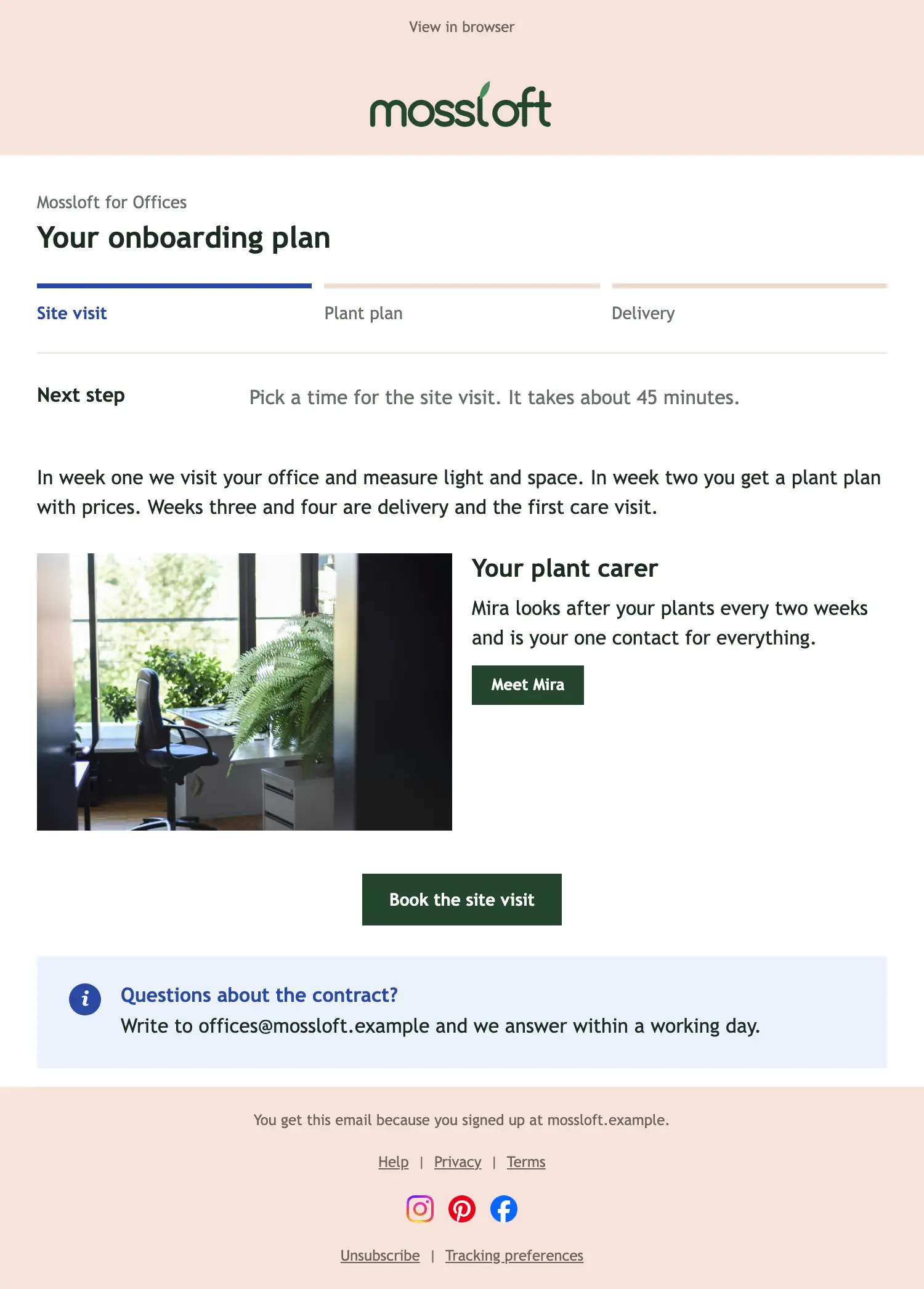
Enterprise onboarding
Campaign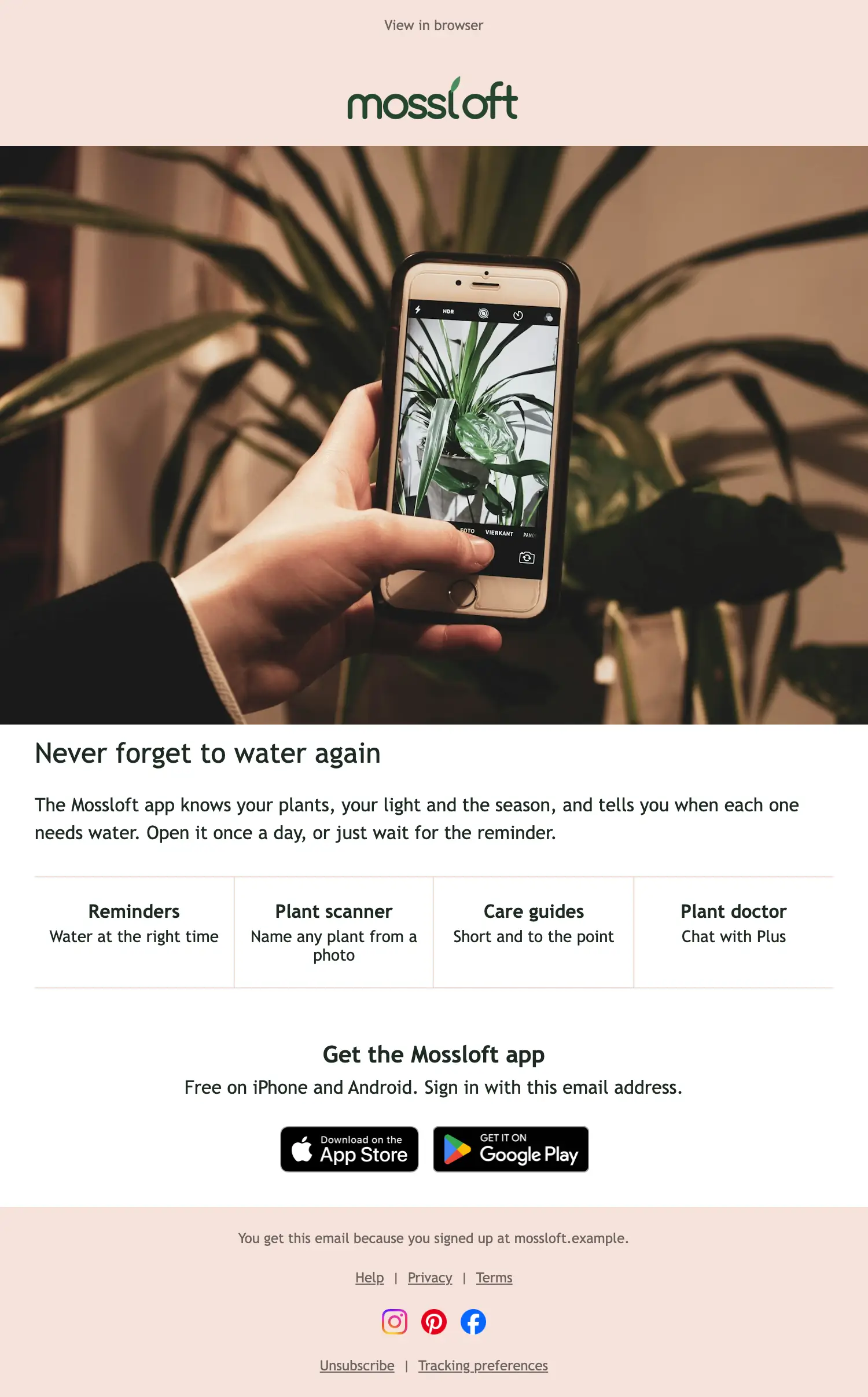
App welcome
CampaignWhen to send a welcome email
A new account
Someone has just signed up for your product or shop and needs to know where to start.
A new subscriber
Someone joined your newsletter and wants to know what they will get and how often.
A new member, student or client
A community, a course or a service begins, and the first steps decide whether people stay.
A trial or free plan
Someone is trying what you offer and needs to see its value before the trial ends.
Tips for welcome emails
- Send it right away, while people still remember signing up.
- Give one clear first step, and keep the rest for later emails.
- Say what comes next and how often you will write.
- Use a real name or team in the sender line, so the email feels personal.
- Keep the unsubscribe link easy to find, even in a welcome email.
Your turn
Generate your own Welcome and onboarding email.
Each example shows the layout with sample text. In a demo, SmartMailing writes one for your brand in seconds.
Book a demo