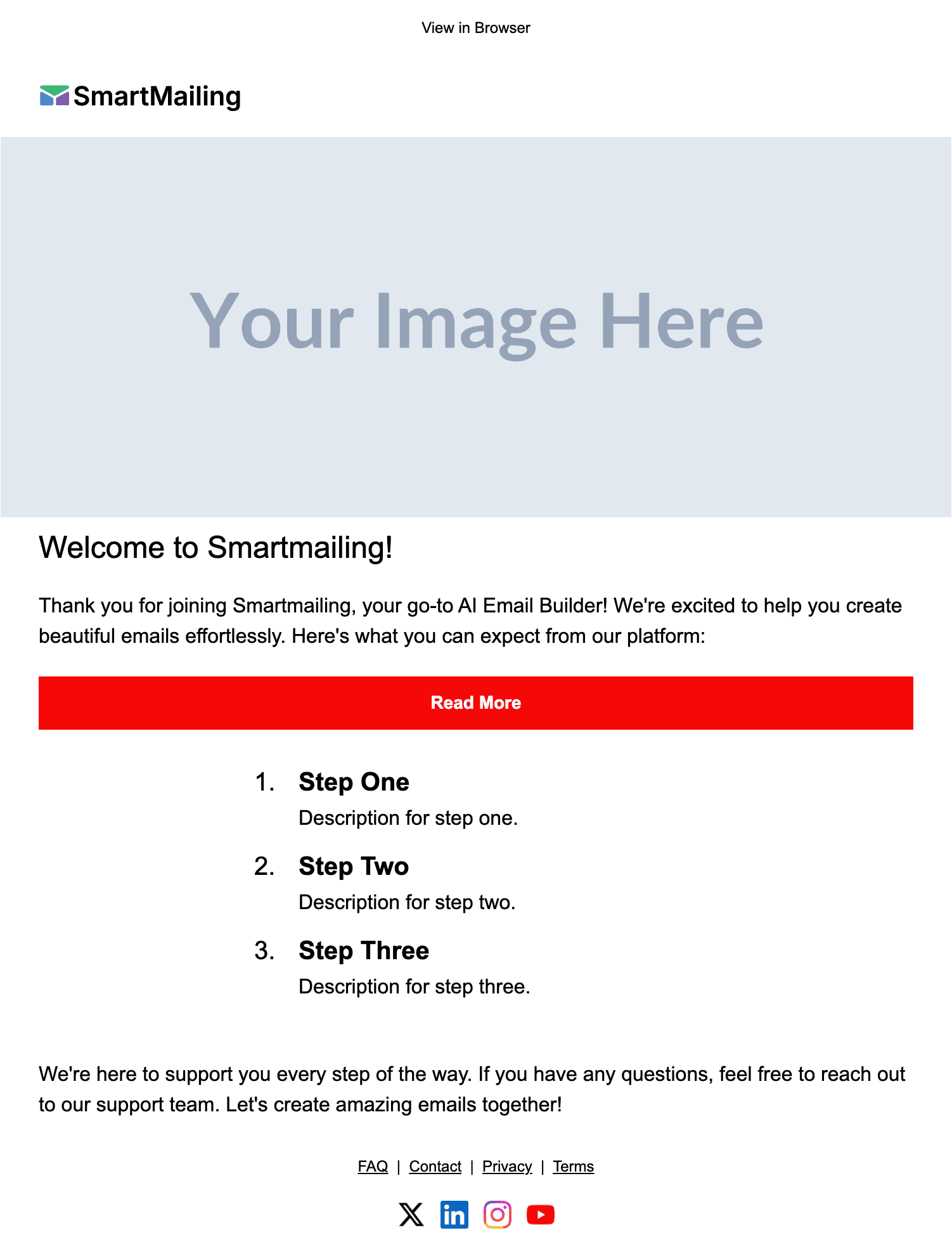
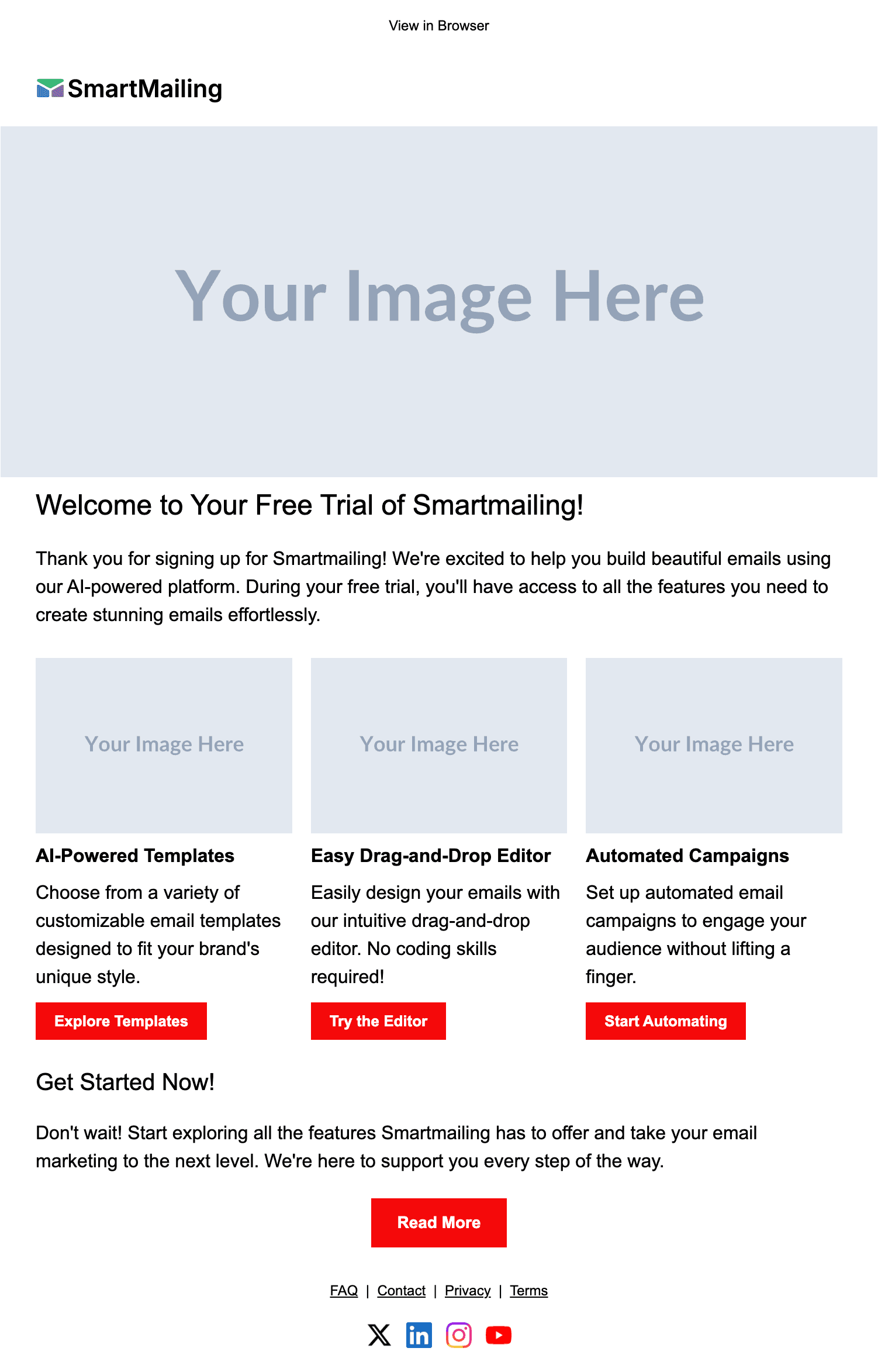
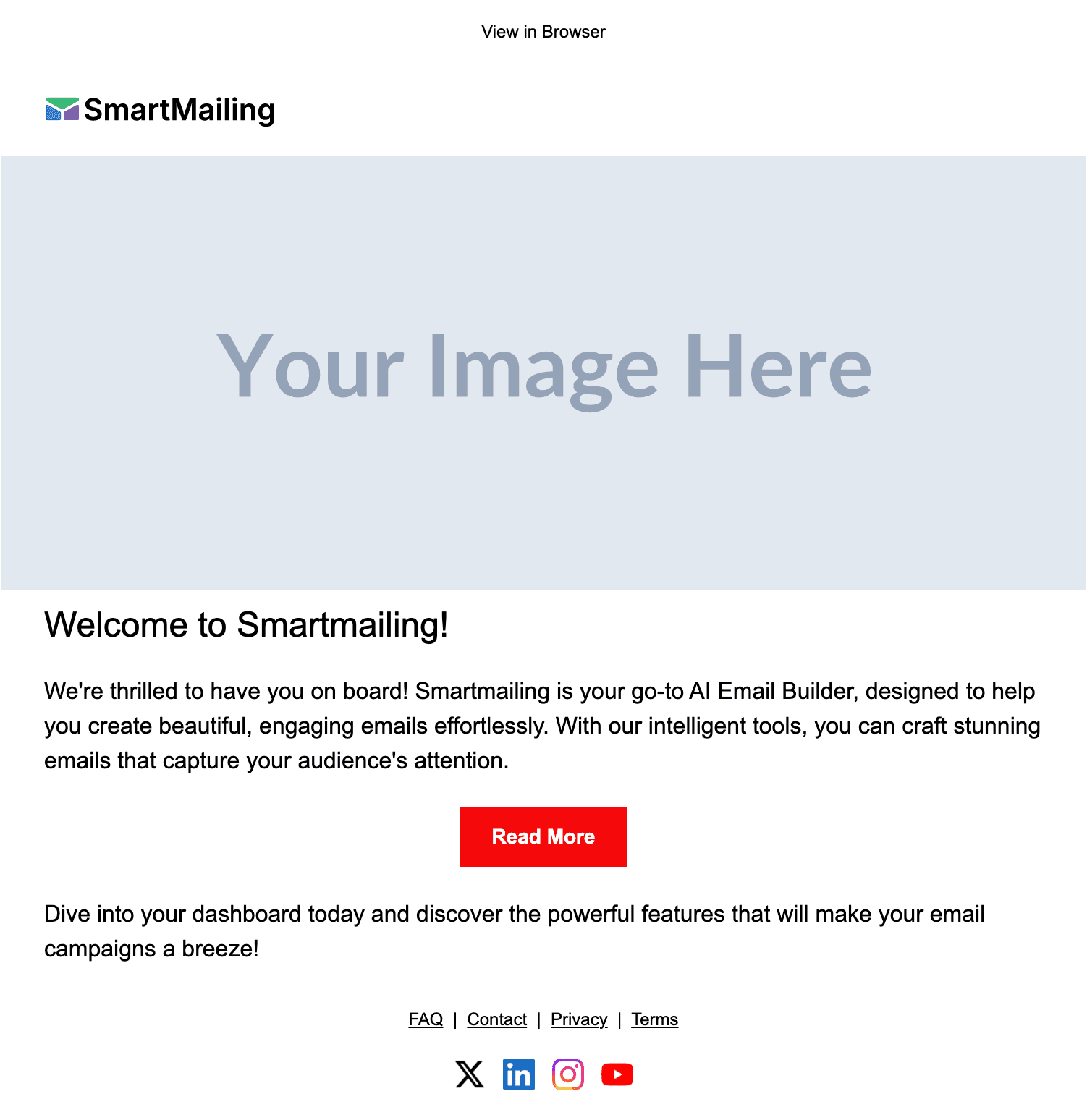
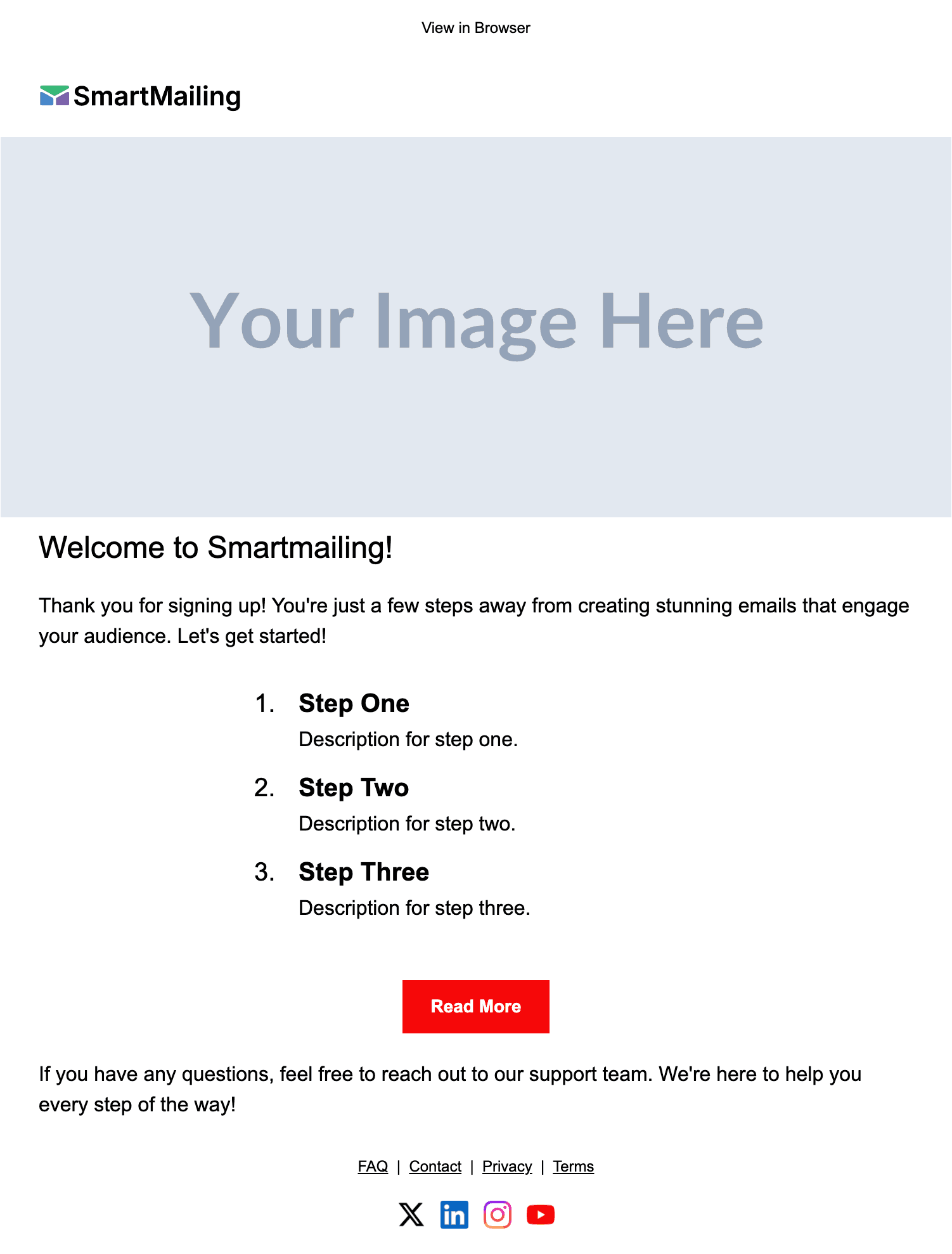
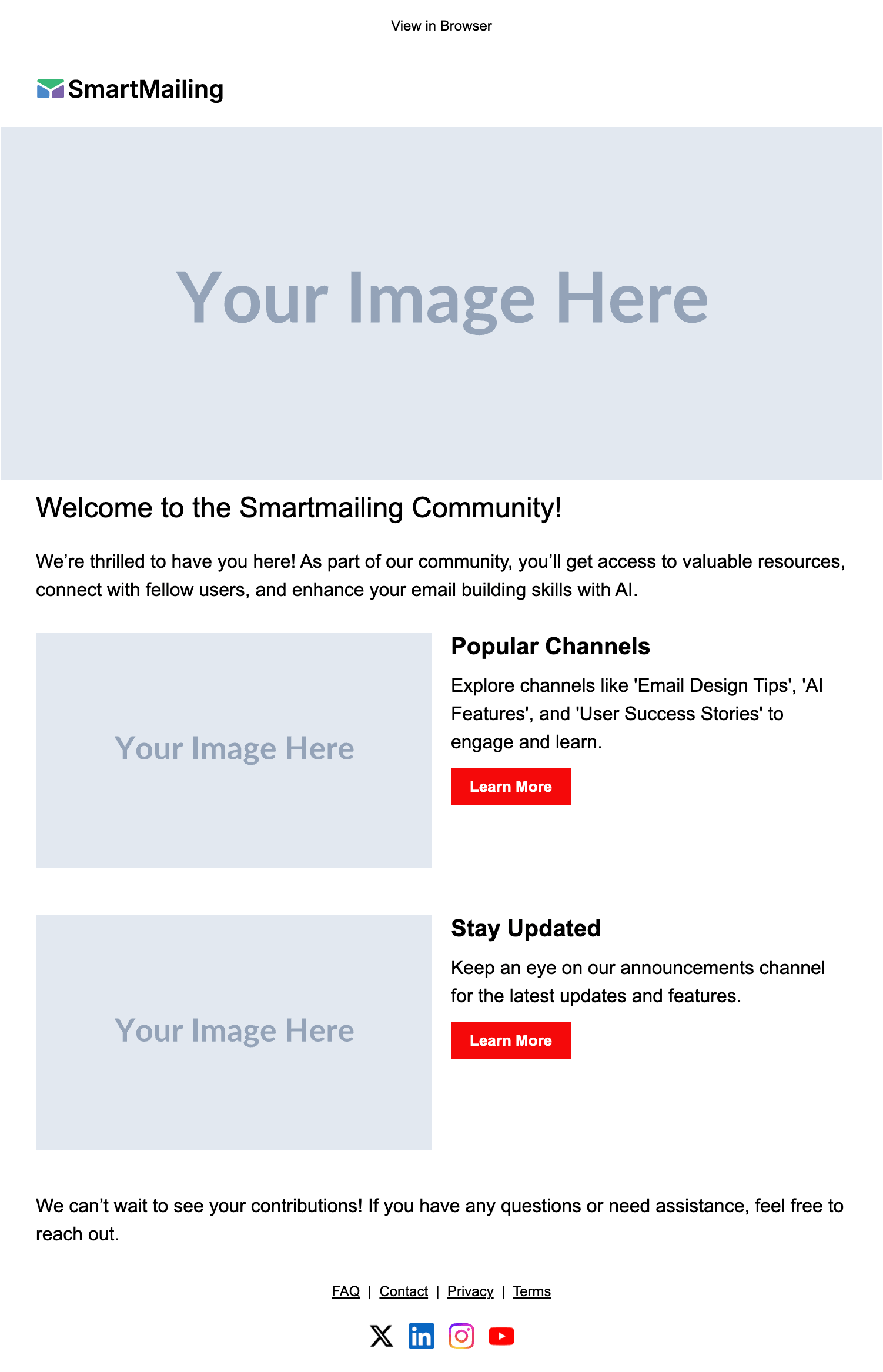
Desktop view
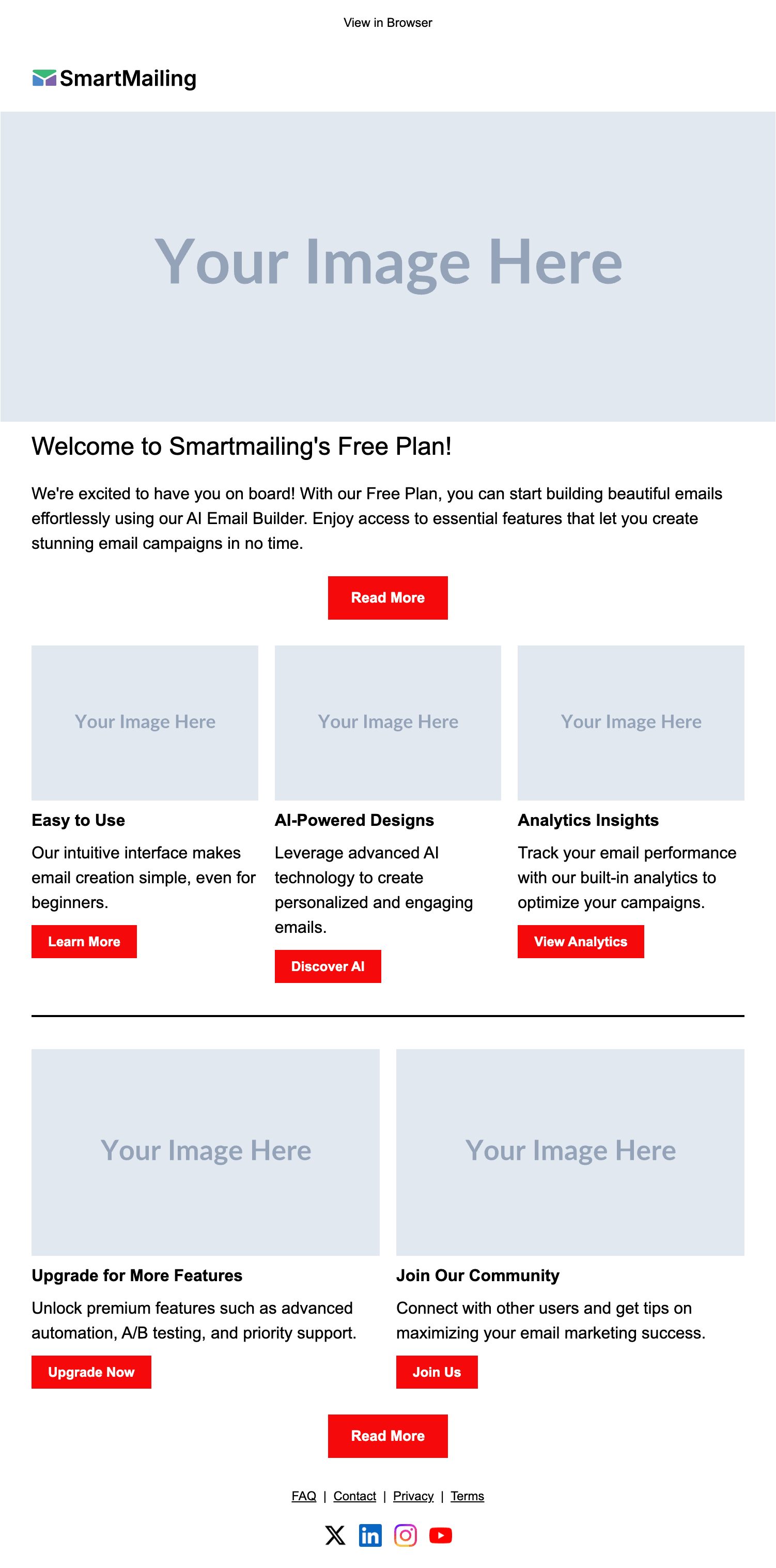
Mobile view

Scroll inside the frames to see the full email.
About this Welcome Email email template
The Free Plan Welcome email template is a welcome email designed for the first message new subscribers, trial users, or customers receive after signing up. Welcome emails have the highest open rates of any campaign type — typically 50–80% — so this is the most valuable real estate in your entire email program. SmartMailing's AI-generated welcome email templates are built to make that first impression count: clear value prop, one obvious next action, and a tone that feels like a person rather than a template.
When to use this welcome email
Free trial signup
Confirm the trial is active, point users at the one feature most likely to deliver the "aha" moment in the first session, and set expectations for the rest of the trial.
Newsletter or list opt-in
Deliver a lead magnet, restate why someone subscribed, and preview the cadence so the next email isn't a surprise. This is the email that decides whether subscribers stay engaged or unsubscribe.
Paid customer onboarding
Welcome a new paying customer with credentials, account links, and a single "what to do first" call-to-action. Save secondary content for the next email in the sequence.
Community / app signup
Greet a new community member with a friendly tone, the rules in two sentences, and a link to the place where activation happens — usually the first post or first action.
Best practices for welcome email templates
- Send within minutes — welcome emails sent within 5 minutes of signup get 3× the engagement of those sent hours later.
- One CTA only. The welcome email is not the place to list every feature; pick the one action that drives activation and remove the rest.
- Use a real person's name in the From field. "Bódi from SmartMailing" outperforms "SmartMailing" for opens and replies.
- Skip stock photos in the welcome email — a clean text-forward layout reads more personal and renders faster on mobile.
- Set up a 3–5 email welcome sequence, not a one-shot. The follow-ups carry most of the activation lift.
- Include an unsubscribe link even on transactional welcome emails. It protects your sender reputation and is required under GDPR/CAN-SPAM.
How to customize this welcome email template
- 01
Describe your offer
Tell SmartMailing what your product or list is, what new subscribers should do first, and any incentive (free chapter, trial credit, discount). The AI rewrites the body to match.
- 02
Apply your brand
Pull in your colors, fonts, and logo. Brand profiles save your settings so every future welcome email and follow-up looks identical without copy-pasting hex codes.
- 03
Connect your ESP
Export to your transactional email service (Resend, SendGrid, Mailgun) or your marketing ESP (Mailchimp, Klaviyo). The HTML is clean enough to drop into either.