Desktop view
Preview coming soon
This Promotional template is being generated. Check back soon for the full preview.
About this Promotional email template
The Anniversary Sale email template is a promotional email design built to convert browsers into buyers. Promotional emails carry your highest-stakes campaigns — Black Friday, product launches, flash sales, seasonal promotions — and the design decisions matter. SmartMailing's AI-generated promotional email templates are built around a tested structure: bold offer, scannable benefits, urgency cues, and a single high-contrast CTA, all rendered in hand-coded HTML that survives Outlook and image-blocking on Gmail.
When to use this promotional email
Black Friday / Cyber Week
Big-window sales need a single message repeated cleanly across multiple sends. Use this template for the announce, the mid-sale reminder, and the last-chance email — same visual, different urgency.
Product launch
Combine a hero shot, three benefit pillars, and one CTA. The structure works whether you're launching a new SaaS feature or a physical product drop.
Flash sales & limited offers
24- or 48-hour windows live or die on urgency. Use bold timeline copy ("ends Sunday at midnight"), one offer, and a CTA that links straight to the cart or signup.
Seasonal & holiday campaigns
Repurpose the template for Mother's Day, Back to School, Holiday — change the imagery, keep the tested layout. Consistency makes seasonal campaigns recognizably yours.
Best practices for promotional email templates
- Lead with the offer, not the brand. The percentage off, dollar value, or free shipping should be visible in the preview pane.
- One CTA per email. Multiple buttons split clicks; promotional emails convert when there's exactly one path forward.
- Use real product imagery, not lifestyle stock. Click-through rates rise sharply when the email shows the actual product the reader will buy.
- Set a clear deadline. "Sale ends Sunday" outperforms "limited time" — a specific date triggers loss aversion.
- Mobile-first design. 60–70% of promotional emails open on mobile; if the CTA isn't tappable above the fold on a 375px screen, you're losing conversions.
- A/B test subject lines, not designs. The design template stays consistent; the subject line is where promotional emails win or lose.
How to customize this promotional template
- 01
Describe your offer
Discount percentage, price, deadline, the products or plans included. SmartMailing rewrites the headlines, urgency copy, and CTA text to match.
- 02
Match your brand
Apply colors, fonts, and logo from your brand profile. Switch the accent color per campaign (red for clearance, green for fresh, etc.) without editing every block.
- 03
Export & schedule
Drop the HTML into Klaviyo, Mailchimp, Drip, or Postmark. The exported markup includes proper alt text, fallback fonts, and Outlook-safe tables.
More Promotional templates
View all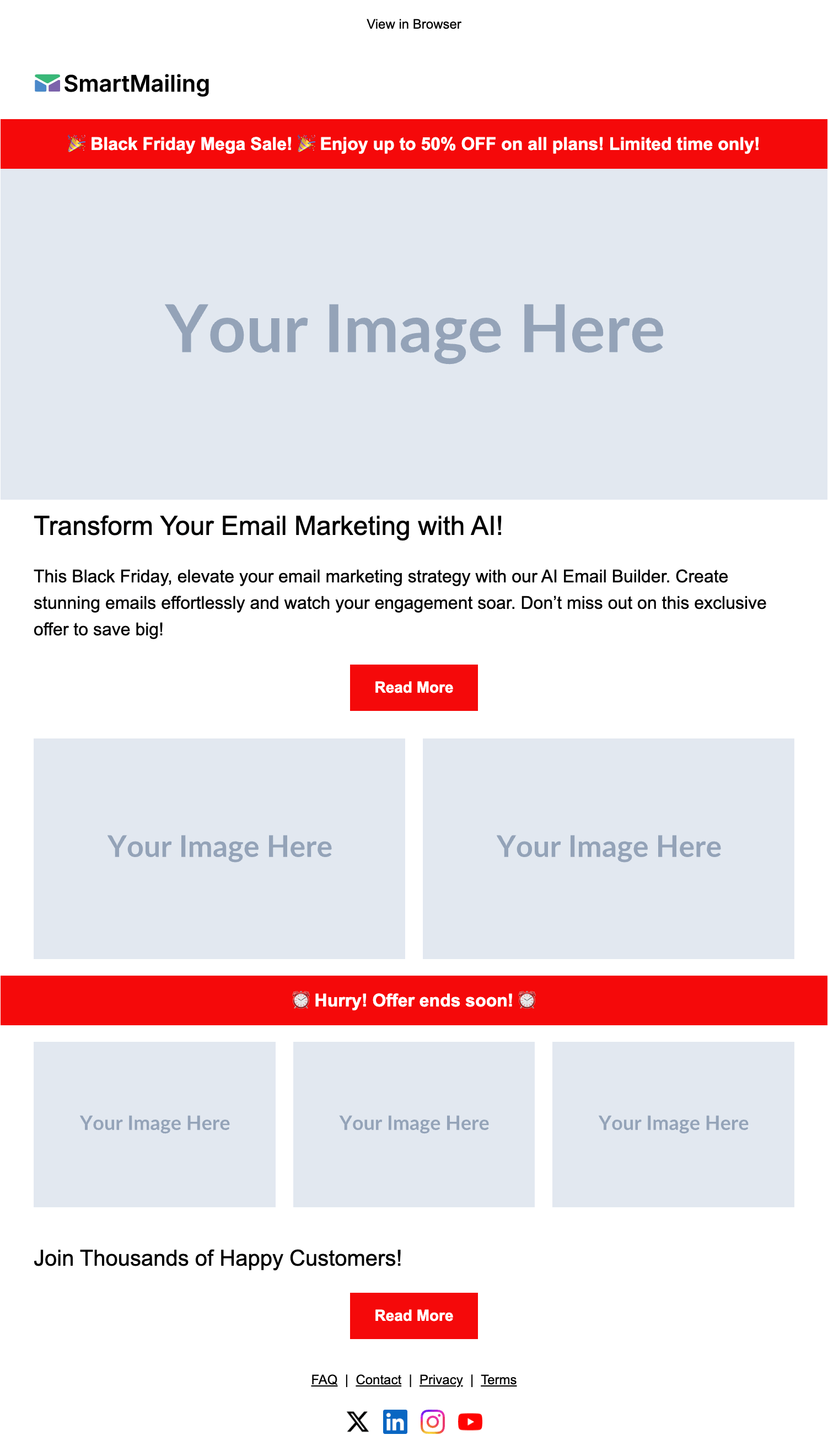
Black Friday Sale
AIPreview coming soon
This template is being generated. Check back soon.
Flash Sale
AIPreview coming soon
This template is being generated. Check back soon.
Product Launch
AIPreview coming soon
This template is being generated. Check back soon.
Limited Offer
AIPreview coming soon
This template is being generated. Check back soon.