White-label email marketing means your clients' emails go out under their own brand, with no sign of the tool behind them: their domain, their name, their footer. The term covers two different things, though. Some tools let you rebrand the whole platform and resell it to clients. Others keep the platform yours and make every email, page and link your clients' subscribers see carry the client's brand. Most agencies need the second kind, and this guide shows how to tell them apart.
Two kinds of white label
When an agency asks for a white-label email tool, it usually means one of these:
| Rebranded platform (reseller) | White-labelled sending | |
|---|---|---|
| Who logs in | Your clients, on a dashboard with your logo | You and your team |
| What clients see | A tool with your name on it | The finished emails, and a link to approve them |
| What subscribers see | The client's emails | The client's emails |
| Who does the work | Often the client, in the rebranded tool | You, as the agency |
| Typical price | Platform fee plus a fee per client account | Depends on the tool: per account, per contact or one plan |
A rebranded platform makes sense when you sell software: your clients do their own emails and you want your logo on the tool they use. If you sell the work itself (you write, design and send the emails), your clients rarely want another login. What they care about is that their customers only ever see their brand. That is white-labelled sending.
What your clients' subscribers actually see
Subscribers never see your dashboard. They see six things, and each one either carries the client's brand or gives the tool away.
1. The sender address
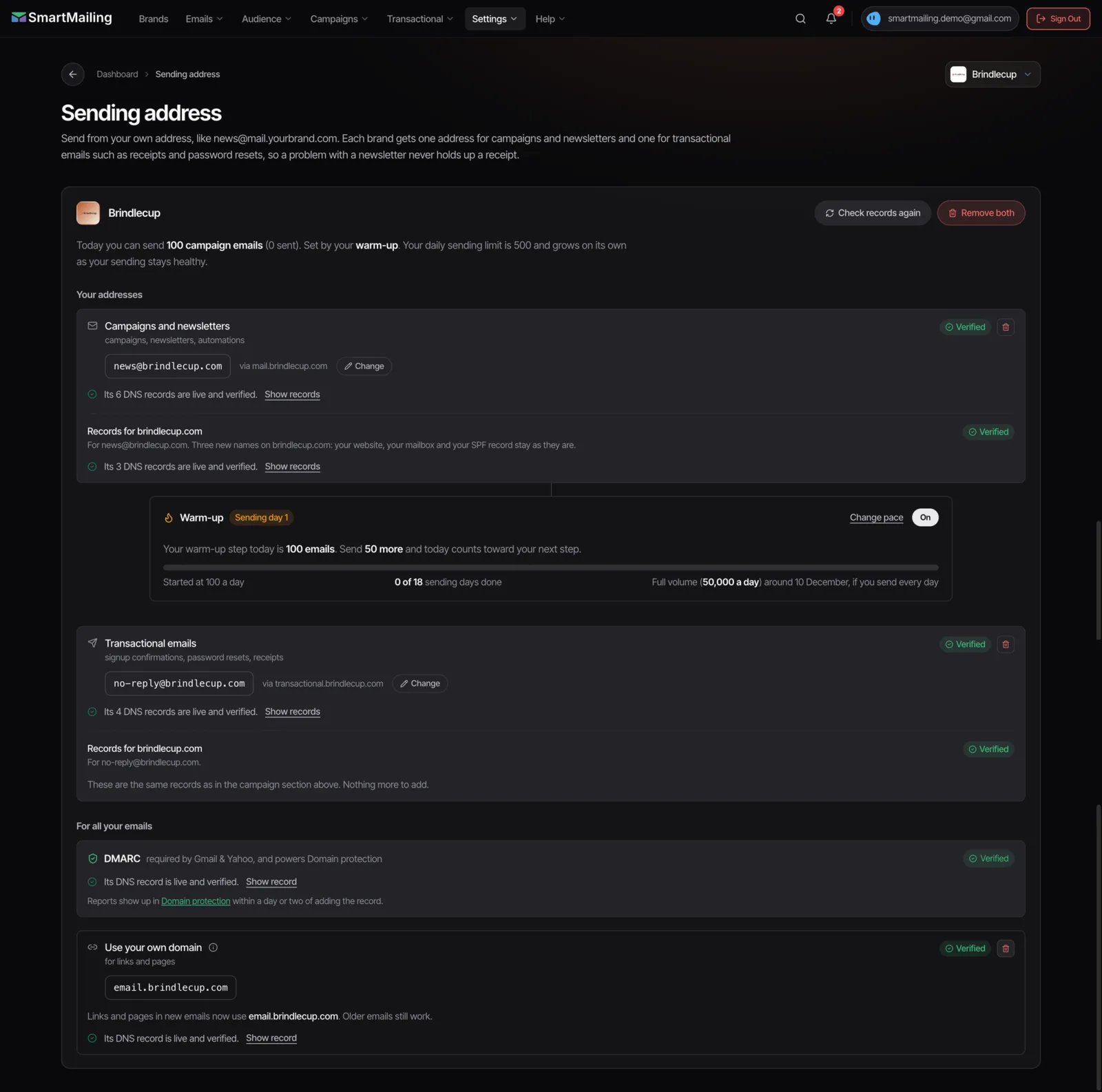
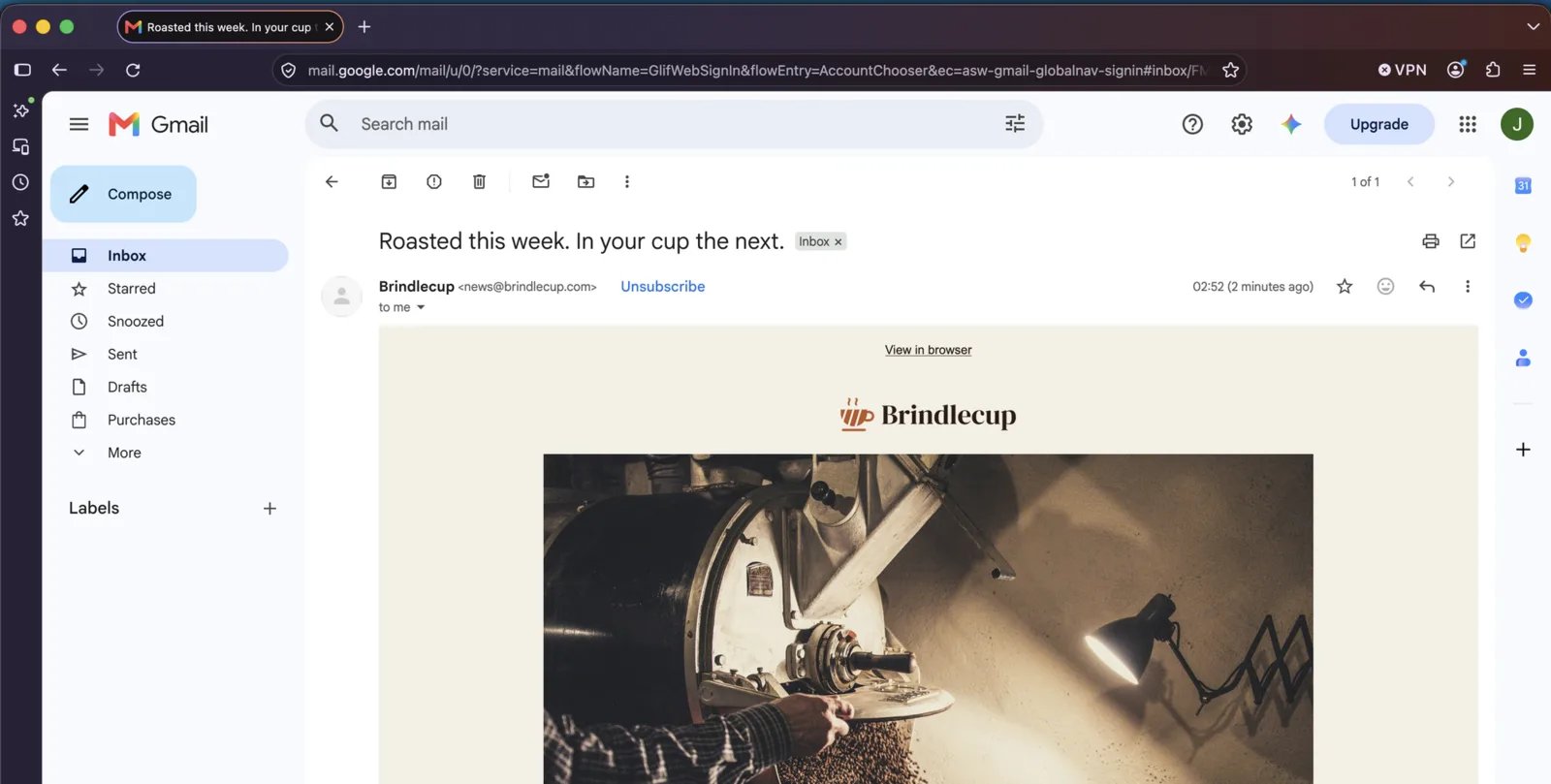
The email should come from the client's own domain, for example [email protected], with SPF, DKIM and DMARC set up for that domain. If it comes from a shared address of the email tool, or shows "via" another domain in Gmail, the tool is visible, and deliverability suffers too, because the client's domain builds no reputation of its own.
2. The footer
Many tools add their logo or a "sent with" line to the footer, at least on cheaper plans. Brevo, for example, keeps its logo in emails on the Starter plan unless you pay €9 a month more (brevo.com, read on 13 November 2026, see our Brevo pricing guide). For a client, that small logo says "my agency uses a cheap tool".

3. The pages behind the links
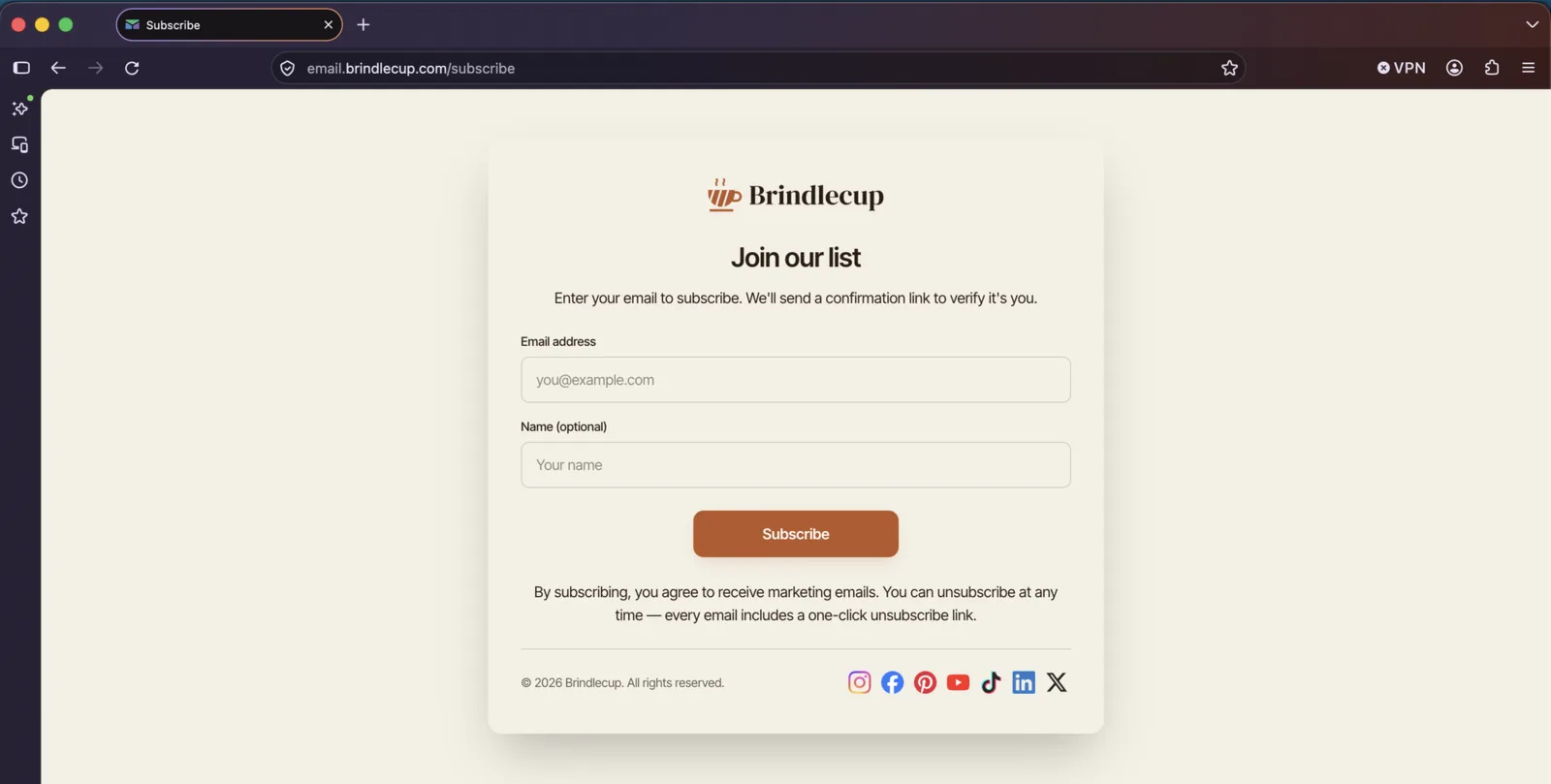
Every marketing email links to pages: unsubscribe, preferences, "view in browser", the double opt-in confirmation and the sign-up page. On most tools these live on the tool's own domain. With a link domain, they move to a subdomain of the client, for example email.clientbrand.com.
4. The sign-up page
If the client collects subscribers through a hosted sign-up page, its address matters as much as the sender. email.clientbrand.com/subscribe looks like part of the client's website. A long address on the tool's domain does not.
5. The sending reputation
Subscribers don't see reputation, but they feel it: it decides whether the email lands in the inbox or in spam. When several clients send through one shared reputation, one client's bad list can pull everyone else down. Ask whether each client gets its own.
6. The emails that aren't newsletters
Order confirmations, receipts and password resets are emails too. If a client's newsletter comes from its own domain but its receipts come from a different tool with a different look, the brand breaks at the moment customers pay attention most.
What your clients see
Your clients see less than their subscribers, but two moments matter:
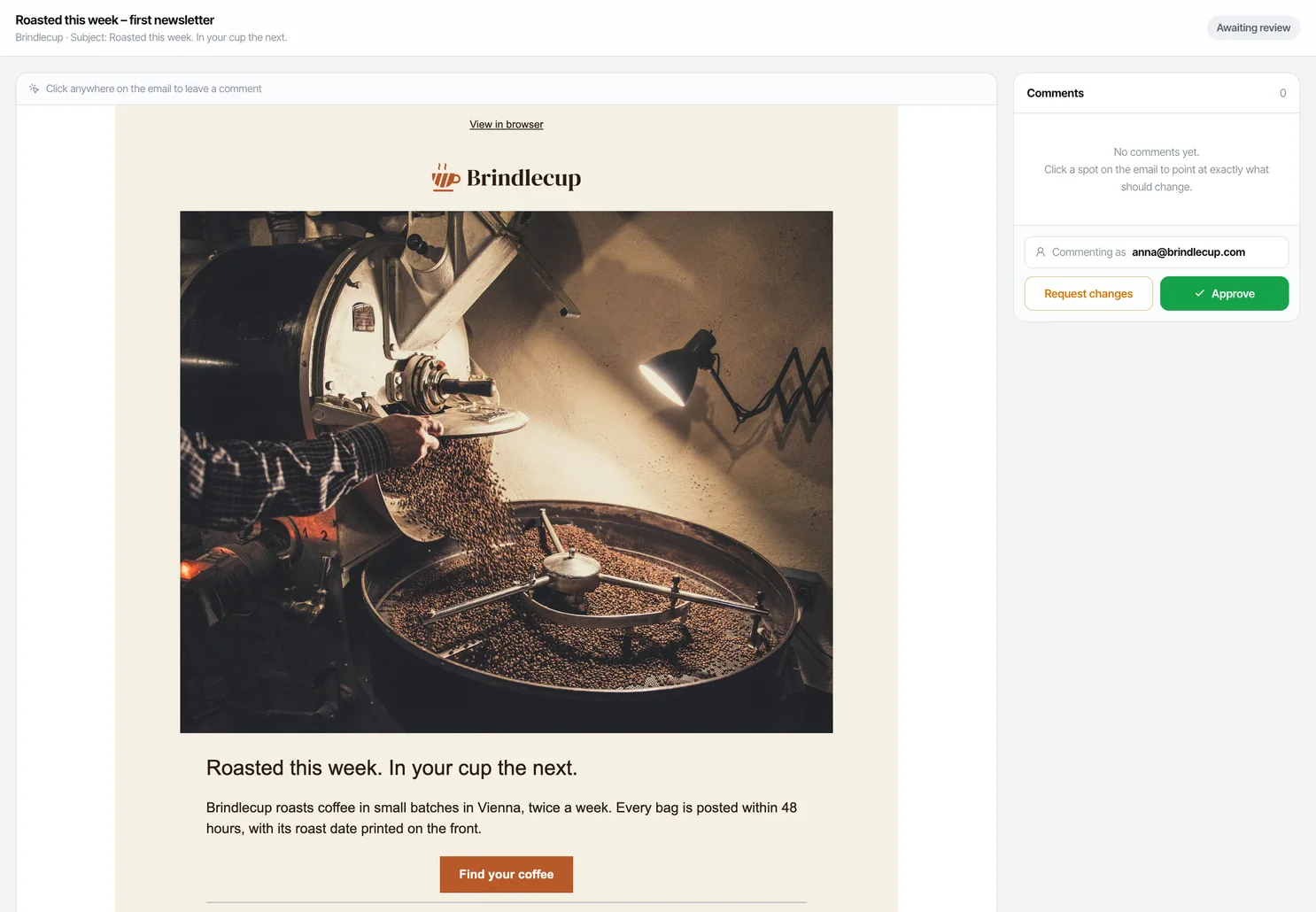
- Approvals. Clients want to see the email before it goes out. The easiest way is a review link they can open without an account, comment on and approve.
- Reports. Clients want numbers in a form they can forward. A short report per campaign is usually enough.
Checklist: questions to ask any white-label email tool
- Does every client send from its own domain, with SPF, DKIM and DMARC for that domain?
- Is there any badge, logo or "sent with" line in the email, on the plan you would buy?
- Do unsubscribe, preferences and sign-up pages run on the client's domain?
- Does each client get its own sending reputation, so one bad list can't hurt the others?
- Can receipts and other transactional emails go out from the same tool, with the same brand?
- Can clients approve emails without creating an account?
- Do you pay per client, per contact or one plan for all clients?
- Can you export the emails as HTML if you ever leave?
- Where is the data stored, and is there a data processing agreement (important for clients in the EU)?
Where SmartMailing fits
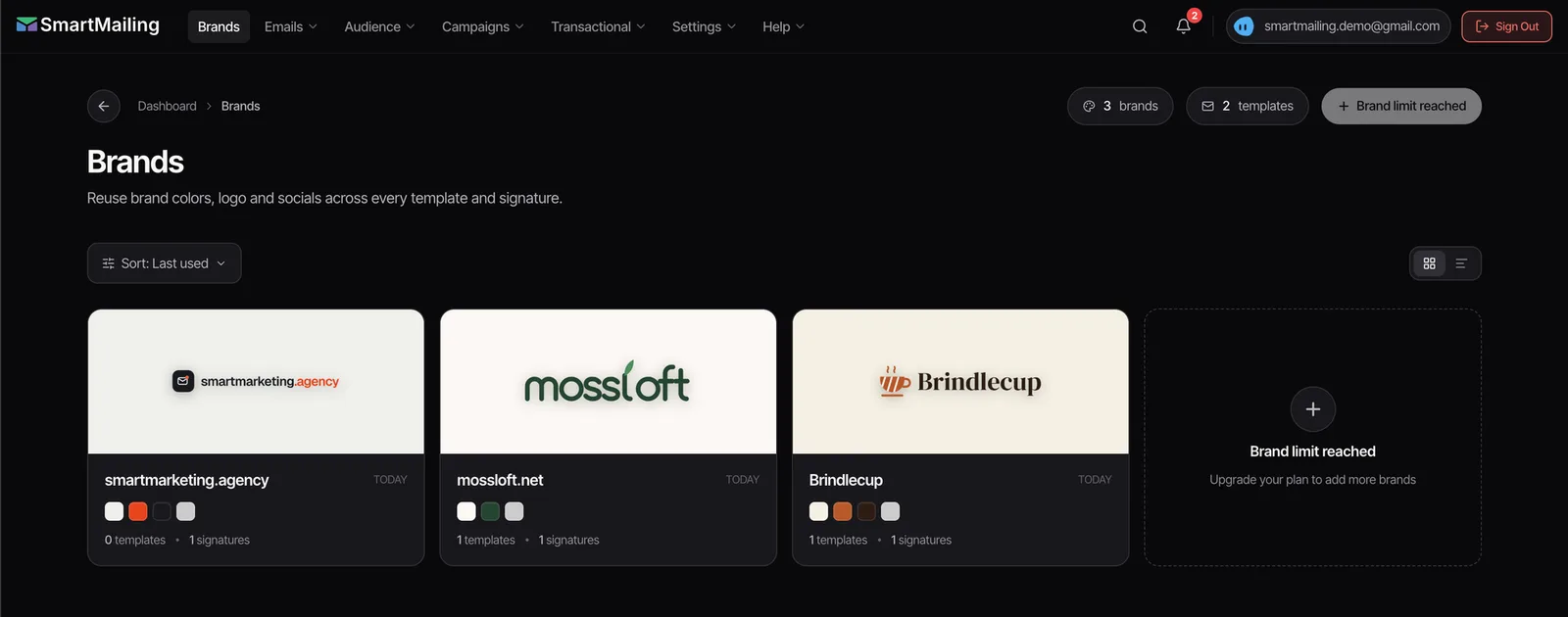
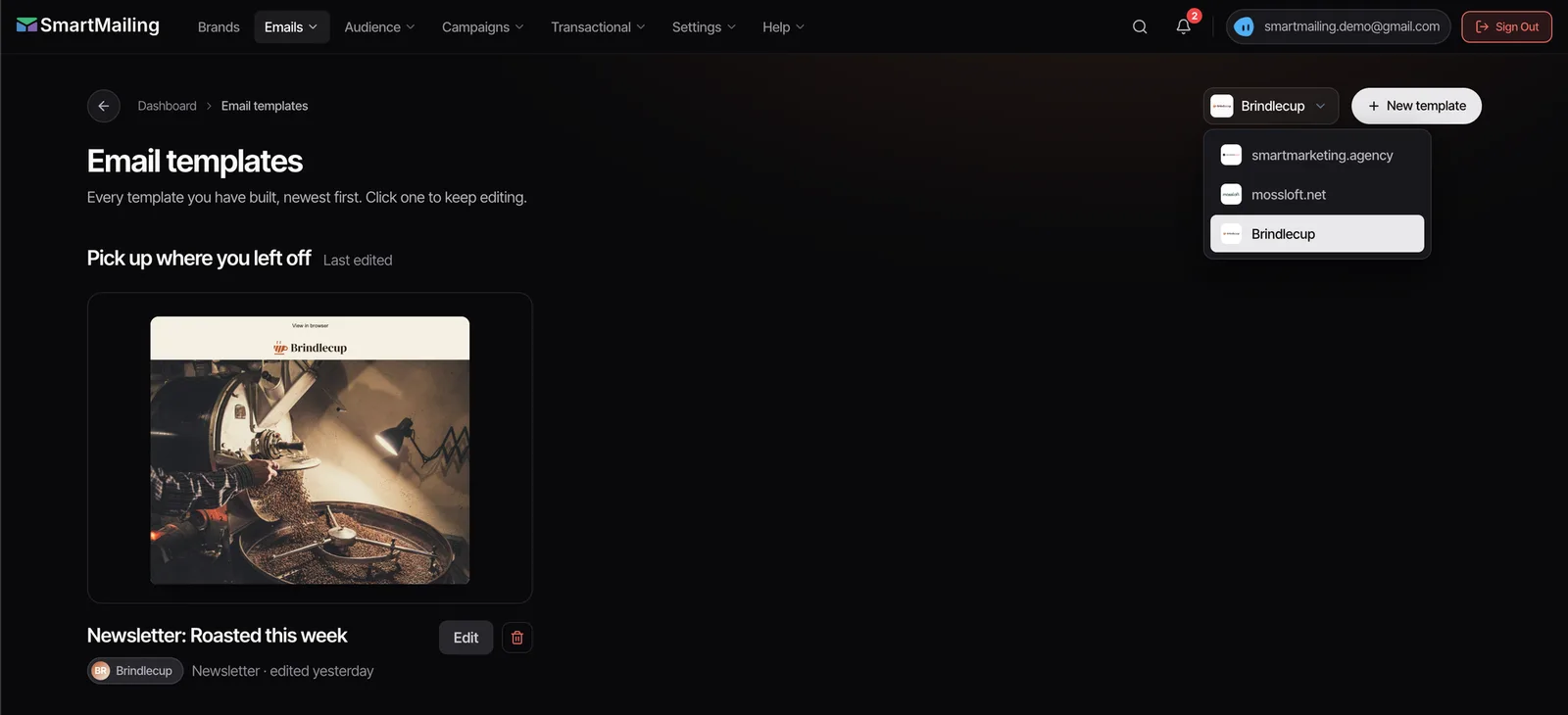
SmartMailing is built for the second kind of white label: you work in one account, and everything your clients' subscribers see carries the client's brand.
- Own domain per client. Each client brand sends from its own domain or a subdomain of it, set up with SPF, DKIM and DMARC. An email without a verified client domain is not sent at all, so it never falls back to a SmartMailing address.
- No SmartMailing badge in any email, on any plan.
- Pages on the client's domain. With a link domain such as
email.clientbrand.com(paid plans), unsubscribe, preferences, "view in browser", the double opt-in confirmation and the hosted sign-up page run on the client's domain, including one-click unsubscribe for Gmail and Yahoo. - Own sending reputation per client, with newsletters and transactional emails on separate streams, so one client's bad list doesn't touch the others.
- Newsletters and receipts in one place. Transactional email is included from Growth.
- Approval by link. Clients comment and approve without an account.
- HTML export of any email.
- One plan for all clients. Growth is €59 a month for up to 3 client brands, Scale €299 for as many as you like. No fee per client and no fee per contact.
What SmartMailing does not do: it is not a reseller platform. Your clients don't get a dashboard with your logo, and there is no reseller programme. They also see the SmartMailing name once, in the email that invites them to review and the sign-in code that comes with it. Their subscribers never do.
If that fits how your agency works, the agency page shows the plans and how adding a client works, or you can book a demo and see it with one of your own clients.
Frequently asked questions
What is the difference between white label and private label?
In software the two words are often used for the same thing: a product sold under another company's brand. "White label" usually means the same product is rebranded by many resellers; "private label" means it is made for one seller only. For email marketing, the useful question is narrower: who sees which brand.
Can my clients log in to SmartMailing?
No. All client brands stay in your account. Clients approve or comment through a review link, without an account.
Does white-label email marketing cost extra per client?
It depends on the tool. Some charge a fee per client account, some charge per contact across all clients. SmartMailing charges one plan: up to 3 client brands on Growth (€59 a month) and no limit on Scale (€299 a month), with no fee per client or per contact.
Do I need a domain for every client?
Yes. White-label sending only works when each client sends from a domain it owns, because the sender address, the SPF, DKIM and DMARC records and the sending reputation all belong to that domain.
Is it GDPR-compliant?
SmartMailing is an Austrian company, sends from Frankfurt, stores data in Zurich and provides a data processing agreement and consent proof for every subscriber.