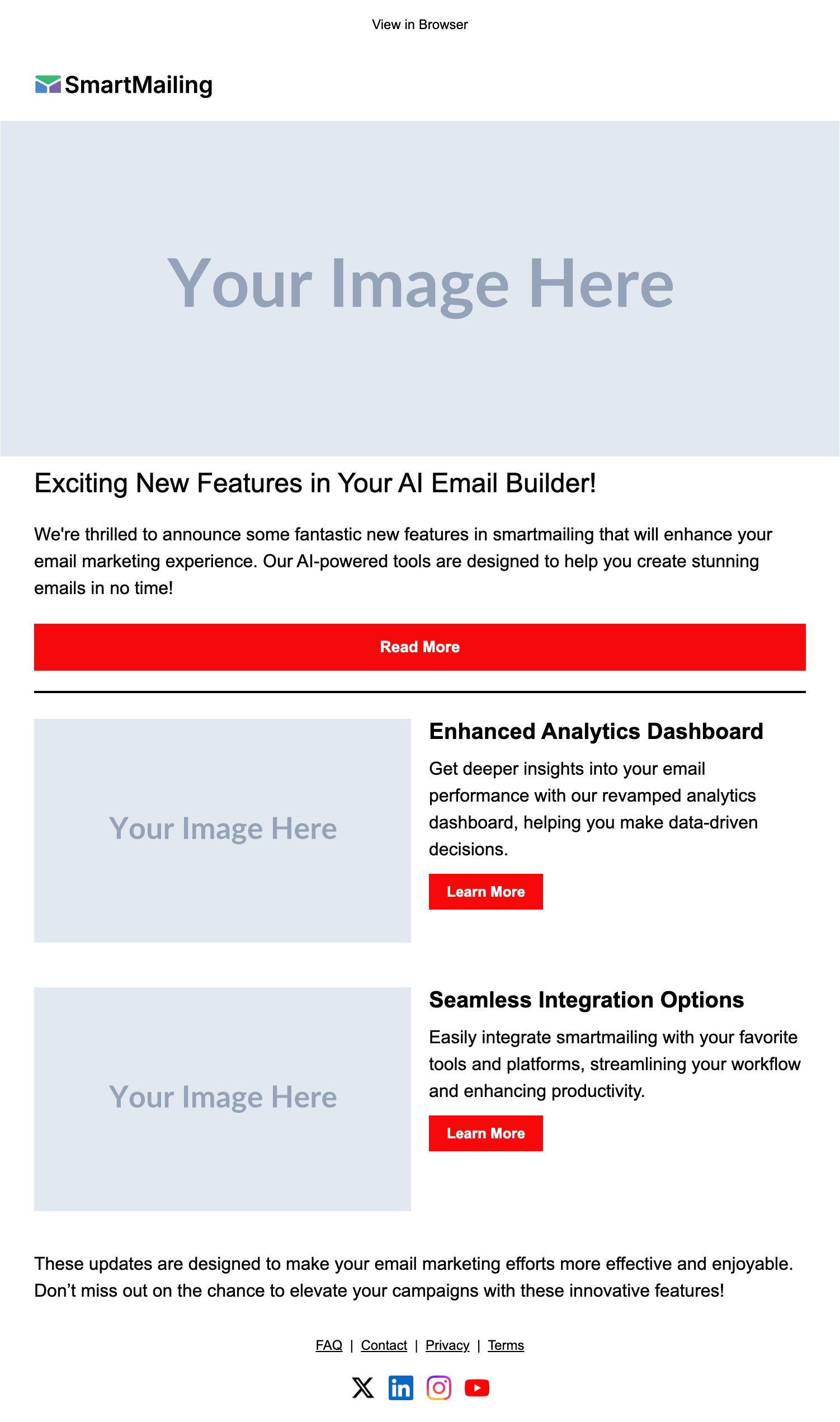
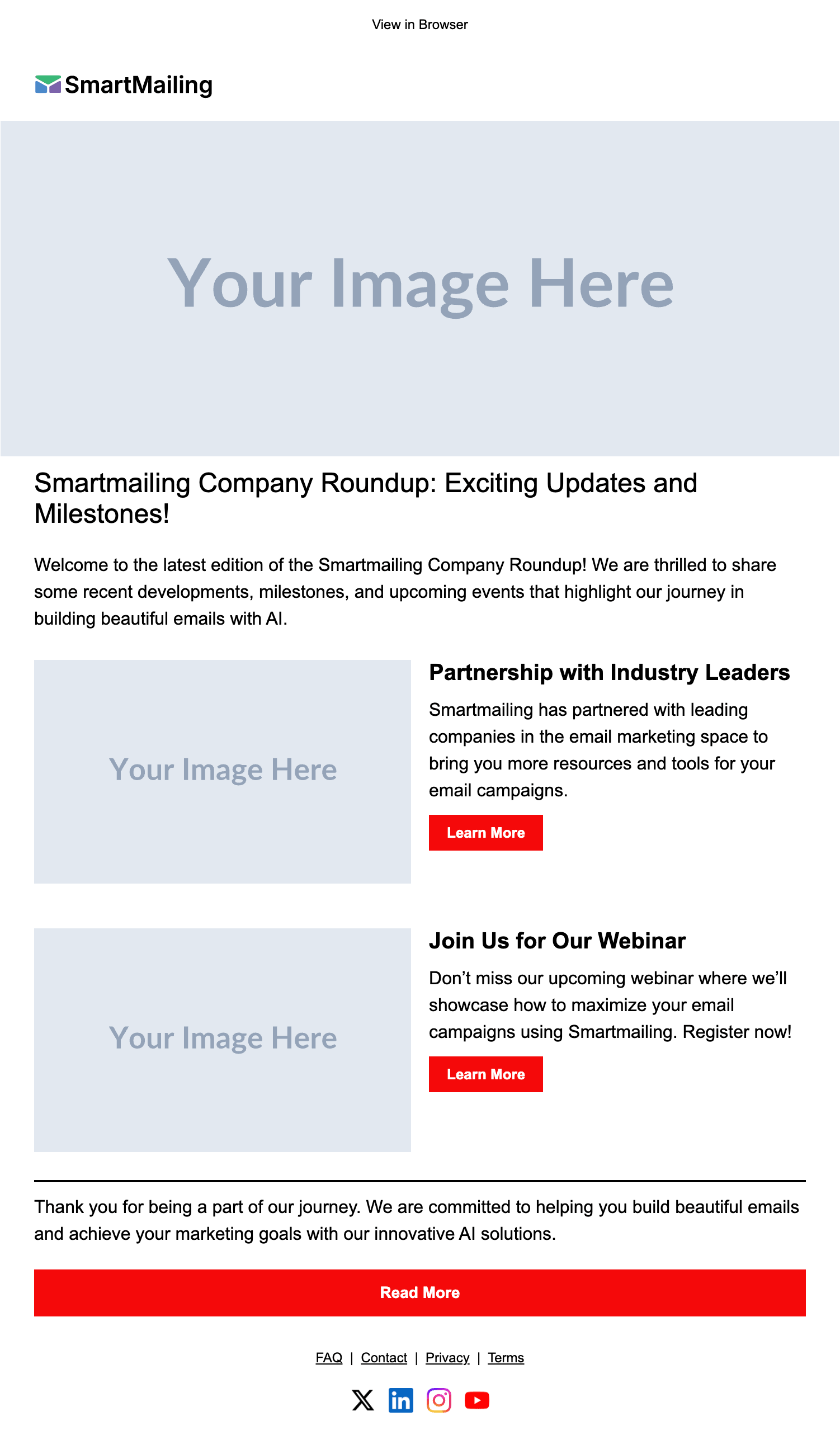
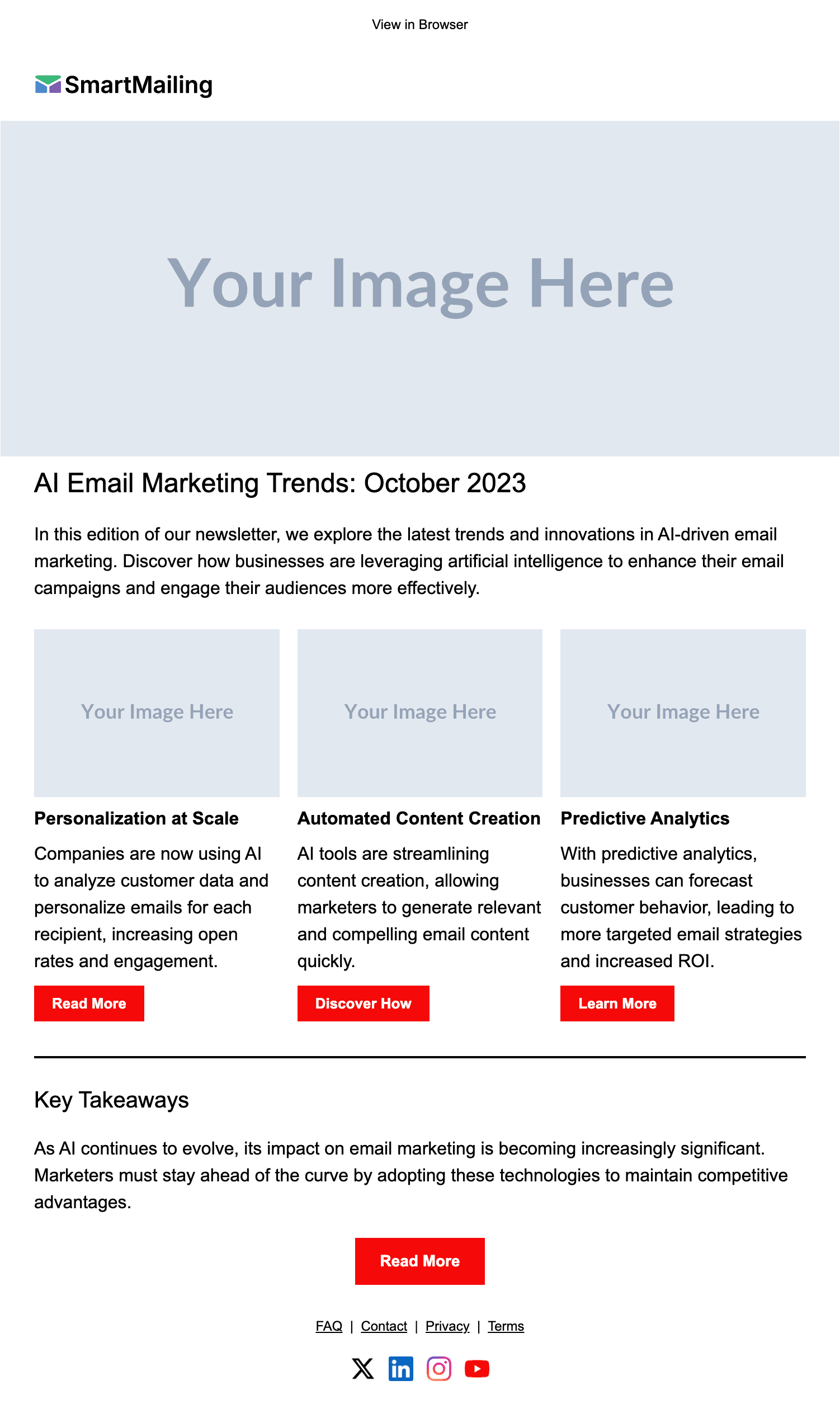
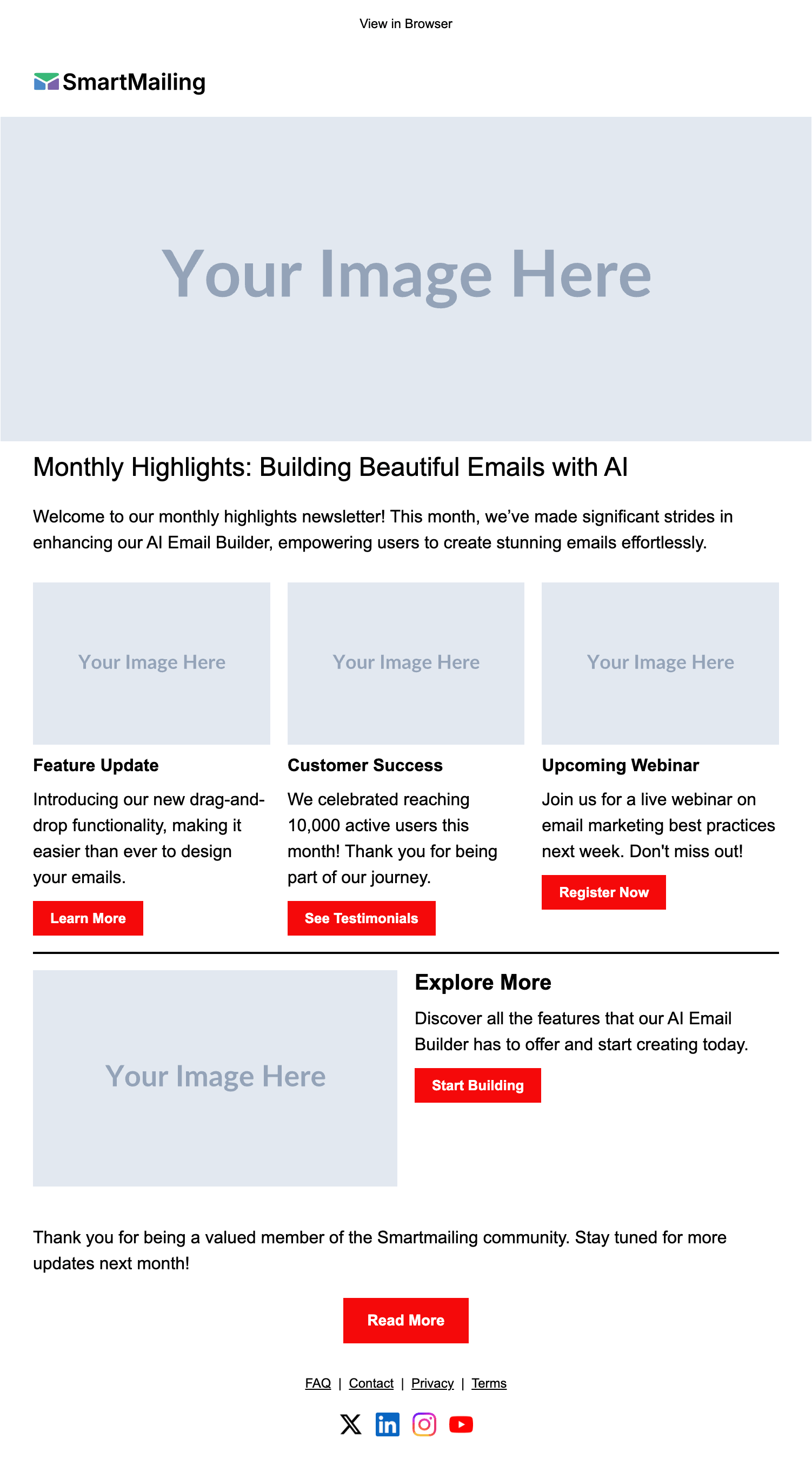
Desktop view
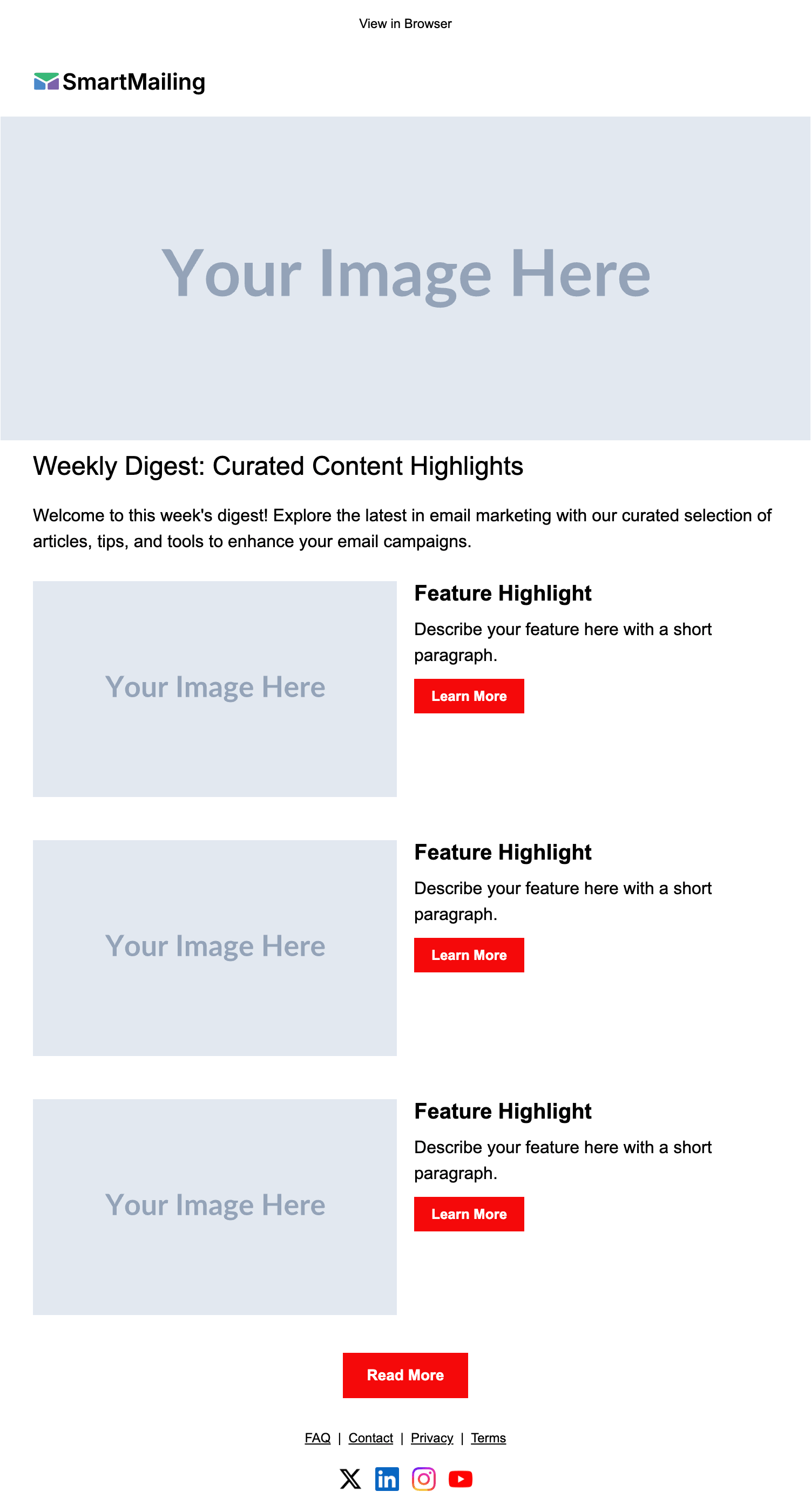
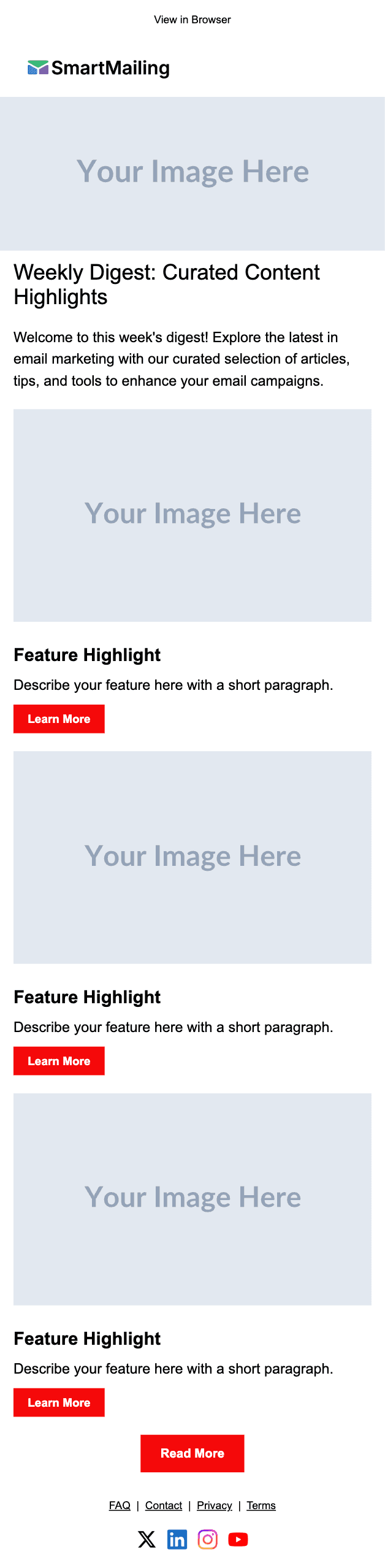
Mobile view
Scroll inside the frames to see the full email.
About this Newsletter email template
The Weekly Digest email template is a ready-to-use newsletter design built for marketing teams, SaaS companies, and content creators who send regular updates to their audience. It's part of SmartMailing's AI-generated newsletter email templates collection — every layout is hand-coded for reliable rendering across Gmail, Apple Mail, Outlook, and Yahoo, then opened up for editing so you can match it to your own brand in a few clicks. Use it as a starting point, then describe your content to SmartMailing and our AI will fill in the copy, swap in your colors and logo, and produce a finished newsletter template ready to send.
When to use this newsletter template
Weekly or monthly digest
Round up the past week or month — product changes, blog posts, partner content, community wins. Newsletter readers expect a predictable cadence, and this template gives every section room to breathe without overwhelming the reader.
Product or feature updates
Announce new releases, deprecated features, and upcoming changes. The structured sections make it easy for users to skim, click into the docs, and keep a clean changelog of what shipped.
Industry news & curation
Position your brand as a trusted source by curating industry stories, research, and expert takes. Curation-style newsletters drive consistent open rates because subscribers come for the editorial point of view, not just the company news.
Internal company updates
Use the same layout to share company-wide updates — hiring, OKRs, customer wins, all-hands recaps. The hand-coded HTML works the same in Outlook on Windows as it does in Gmail mobile.
Best practices for newsletter email templates
- Lead with one clear hero story — your most important link should be in the first 200 pixels of the email, before anyone has to scroll.
- Use 3–5 sections max. Long newsletters look impressive in design but most subscribers scan the headlines and tap one link before bouncing.
- Write subject lines that work as standalone headlines — most clients show the preview text right after, so the subject + preheader pair is your real first impression.
- Keep image-to-text ratio balanced (40/60 in favor of text) — image-heavy newsletters trip Gmail Promotions tab and Outlook image-blocking.
- Always include a plain-text version. Deliverability scoring penalizes HTML-only sends, and the plain version is the fallback for screen readers.
- Test in Outlook 2016/2019 before every send — it still renders email differently than every other client and accounts for ~7% of business inboxes.
How to customize the template
- 01
Drop in your content
Describe the issue you want to send (or paste a draft) and SmartMailing rewrites the headlines, intro, and CTAs to fit. The structure stays — only the text and links change.
- 02
Match your brand
Apply your colors, fonts, and logo from a saved brand profile. The same profile drives every future email, so newsletters stay visually consistent without copy-paste.
- 03
Preview, test, and export
See desktop and mobile renders side by side, run the spam-score check, then export the HTML to Mailchimp, HubSpot, Klaviyo, Brevo, or any ESP that accepts a raw HTML upload.